HTML 模板

Lightning Web Components 的核心能力是其模板系统,它使用虚拟 DOM 来智能高效地渲染组件。最佳实践是让 LWC 操作 DOM,而不是编写 JavaScript 来手动操作。使用 <template> 根标签编写 HTML 模板,还可以使用嵌套的 <template> 标签配合指令(directives)。
HTML 模板基础与嵌套模板
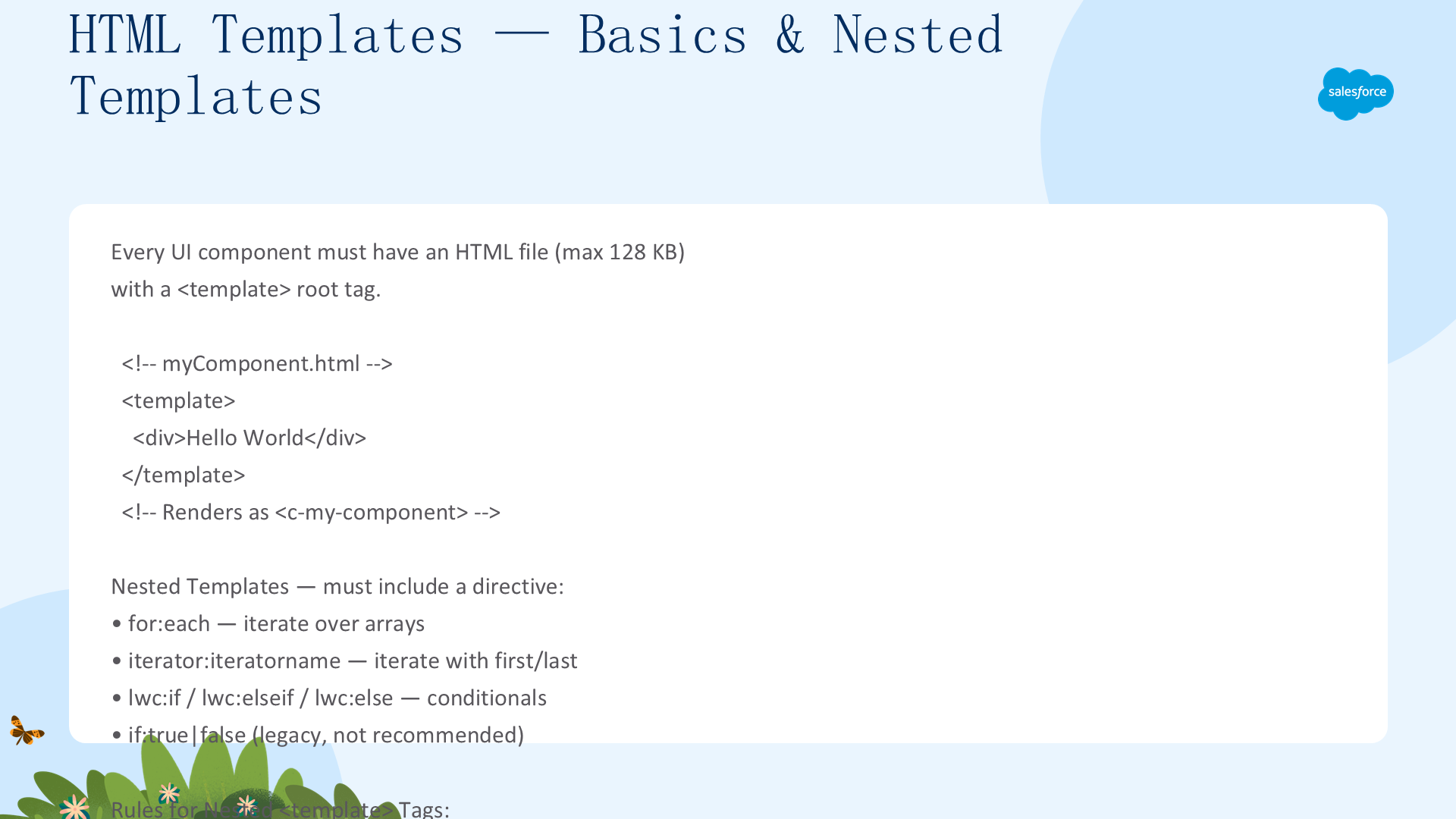
每个 UI 组件必须有一个 HTML 文件(最大 128 KB),根标签为 <template>。当组件渲染时,<template> 标签会被替换为 <namespace-component-name>,例如 myComponent.html 渲染为 <c-my-component>。
嵌套模板指令
嵌套的 <template> 标签必须包含以下指令之一:
for:each—— 遍历数组iterator:iteratorname—— 带 first/last/index 的迭代器lwc:if/lwc:elseif/lwc:else—— 条件渲染if:true|false—— 旧版条件渲染(不推荐)
重要规则:嵌套<template>标签不能使用其他指令或 HTML 属性(如 class)。需要属性时使用<div>或<span>包装。无效使用会被忽略——模板及其子元素不会渲染到 DOM 中,并在加载组件时返回警告。
数据绑定 —— 属性与 Getter
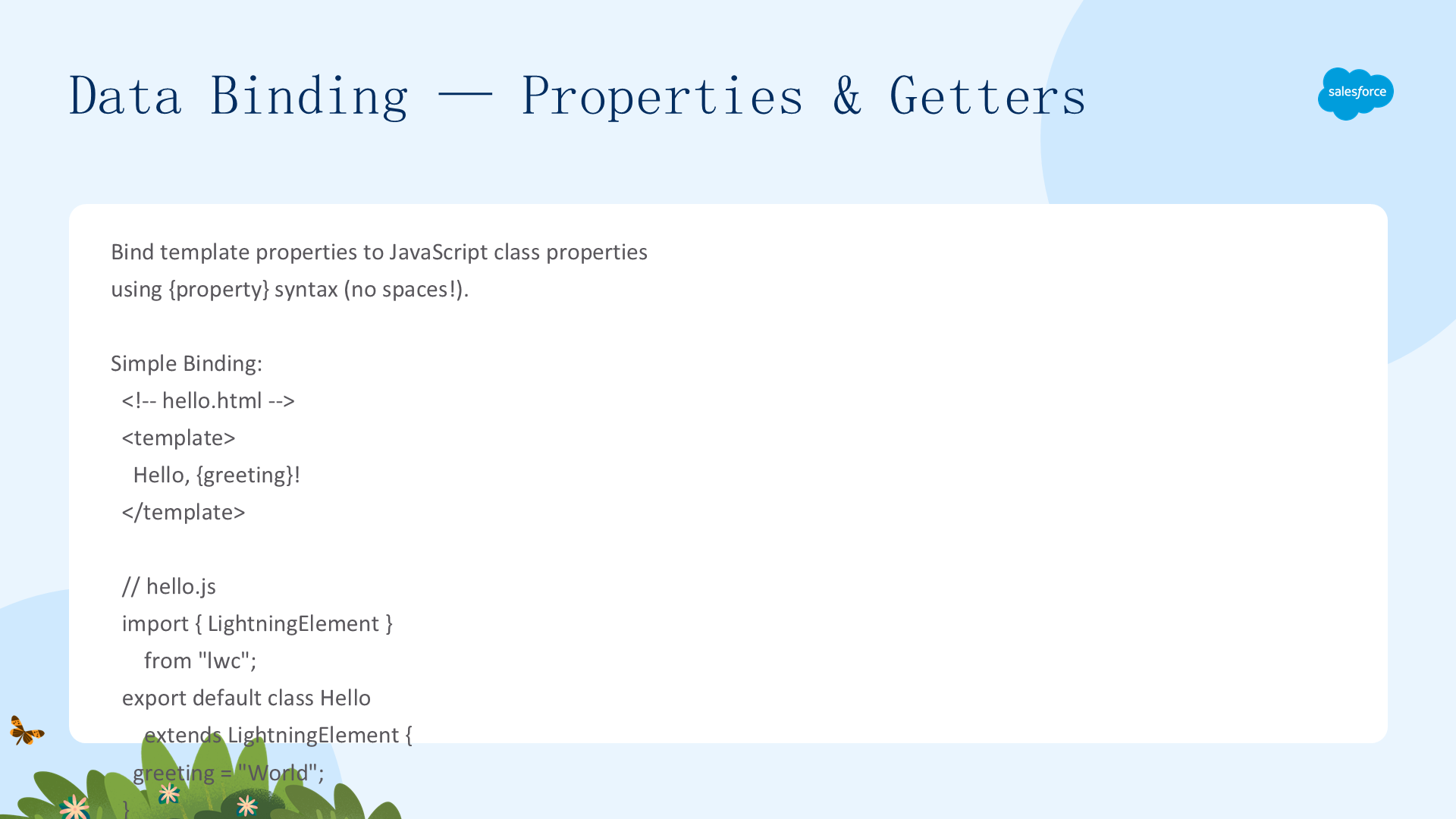
使用 {property} 语法(不加空格)将模板中的属性绑定到 JavaScript 类中的属性。
简单绑定
<!-- hello.html -->
<template>
  Hello, {greeting}!
</template>

// hello.js
import { LightningElement } from "lwc";
export default class Hello extends LightningElement {
  greeting = "World";
}
绑定规则
{property}—— 不能有空格({ data }无效)- 有效形式:
{data}和{data.name} - 不支持计算表达式:
person[2].name['John'] - 属性应为原始值(在 for:each/iterator 中使用时除外)
事件绑定
<lightning-input value={greeting} onchange={handleChange}></lightning-input>

handleChange(event) {
  this.greeting = event.target.value;
}
使用 Getter 代替表达式
Getter 是带有 get 关键字的 JavaScript 函数,比内联表达式更强大,且支持单元测试:
get uppercasedFullName() {
  return this.firstName + ' ' + this.lastName.toUpperCase();
}
// 模板中:{uppercasedFullName}响应性:所有字段都是响应式的——当属性值发生变化时,组件会重新渲染,模板中使用的所有表达式都会被重新计算。
绑定 HTML 类(API v62.0+)
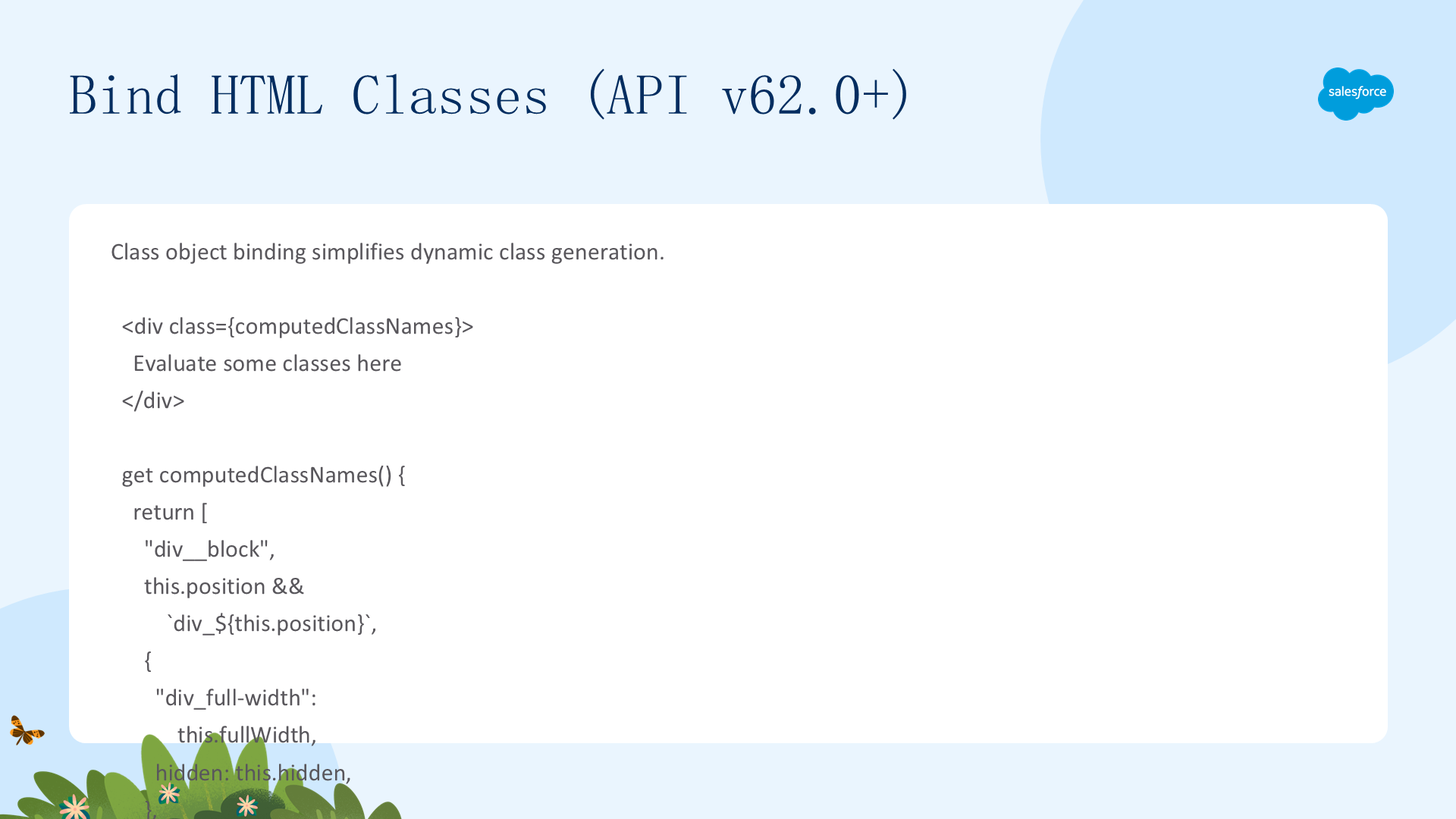
从 API v62.0 开始,类对象绑定简化了动态类名生成:
<div class={computedClassNames}>Evaluate some classes here</div>

get computedClassNames() {
  return [
    "div__block",
    this.position && "div_" + this.position,
    {
      "div_full-width": this.fullWidth,
      hidden: this.hidden,
    },
  ];
}
// 渲染结果:class="div__block div_left div_full-width"
类绑定规则(API v62.0+)
- 数组:用空格连接,falsy 项自动移除
- 对象:truthy 值的键被应用
- 布尔值、数字、函数:被移除(不转为字符串)——使用
String(value)来渲染
v62.0 vs v61.0 行为变化
| 值 | v62.0 | v61.0 |
|---|---|---|
false | ""(空) | "false" |
10 | ""(空) | "10" |
["a","b"] | "a b" | "a,b" |
{x:true,y:false} | "x" | "[object Object]" |
[false,'note',null] | "note" | "false,note," |
绑定内联样式
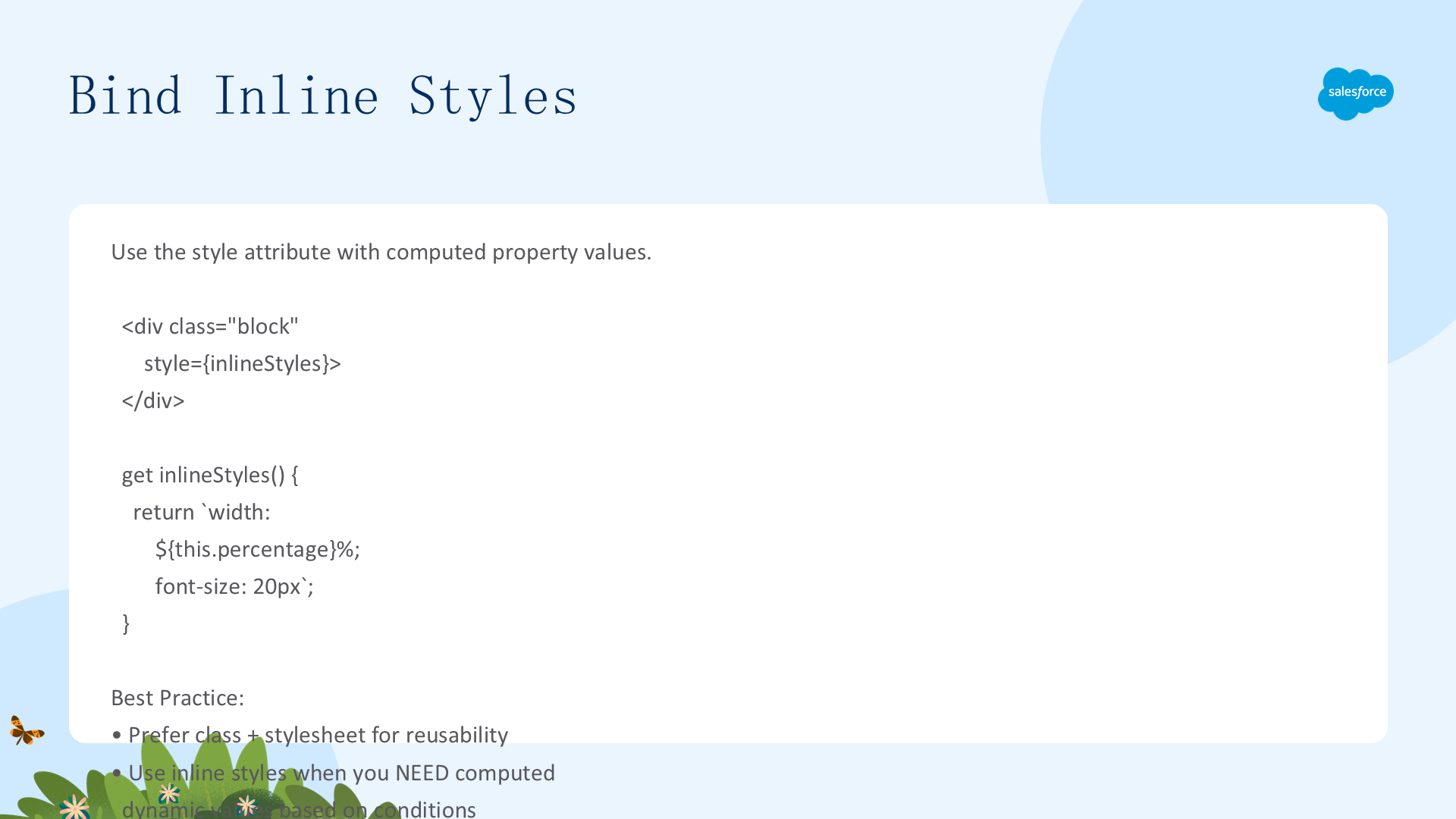
使用 style 属性绑定到返回 CSS 字符串的 getter:
<div class="block" style={inlineStyles}></div>

get inlineStyles() {
  return "width: " + this.percentage + "%; font-size: 20px";
}最佳实践:优先使用 class + 样式表以提高可重用性;只在需要基于条件的动态计算值时使用内联样式。使用 kebab-case 的 CSS 属性键(如 font-size)。
复杂模板表达式 —— 概述(Beta)
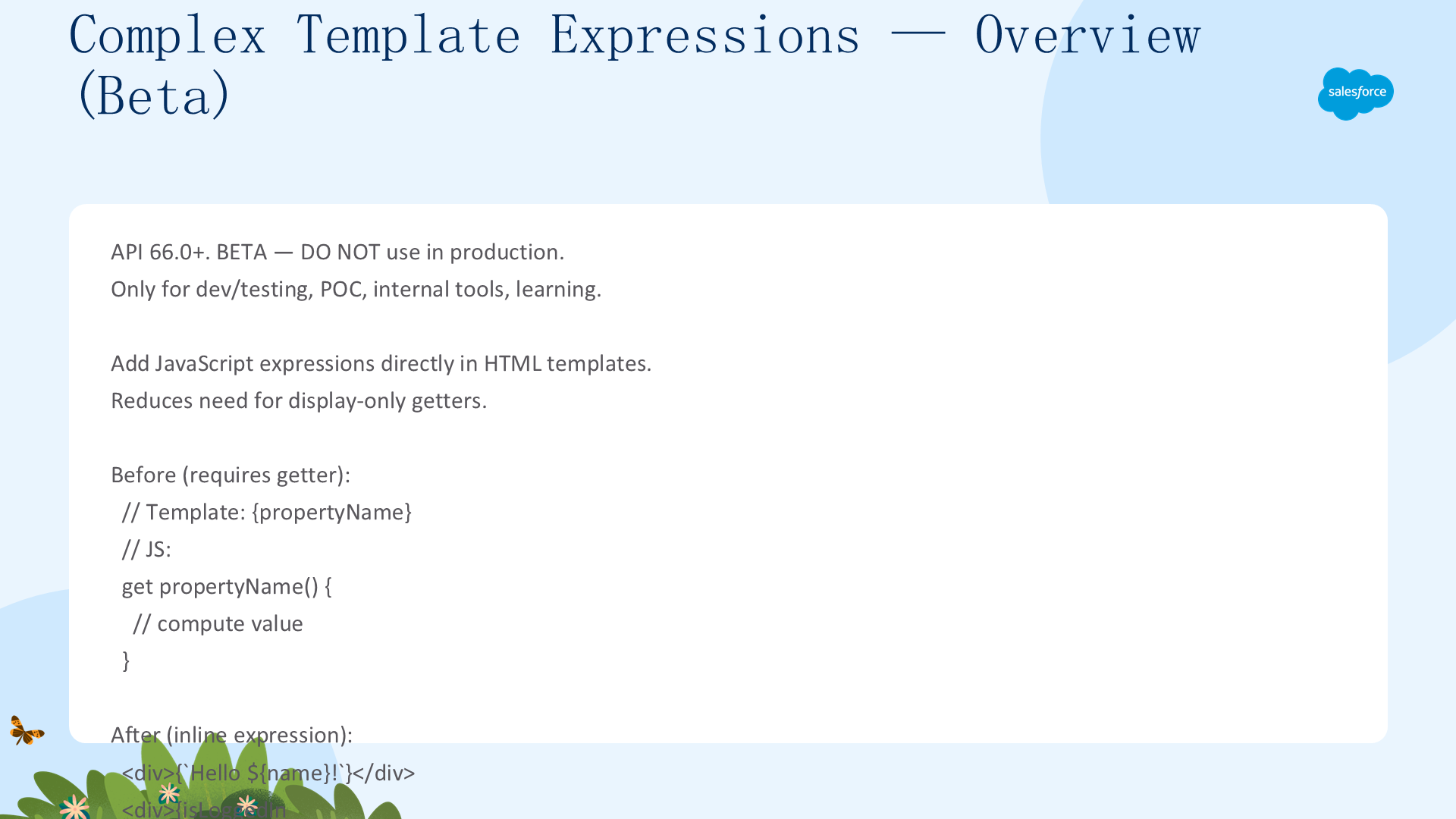
API 66.0+。Beta 功能 —— 不要在生产环境中使用。仅用于开发/测试、概念验证、内部工具和学习。
复杂模板表达式允许在 HTML 模板中直接添加 JavaScript 表达式,减少对仅用于显示计算的 getter 的需求。
启用方式:在 .js-meta.xml 中将 apiVersion 设置为 66.0+。较低版本会回退到基本属性绑定。
前后对比
// 当前(需要 getter):
get propertyName() { /* 计算值 */ }

// Beta 版本(内联表达式):
<div>{`Hello ${name}!`}</div>
<div>{isLoggedIn ? 'Welcome!' : 'Please log in'}</div>
<div>{user && user.name}</div>
<div>{error || 'No error occurred'}</div>
<div>{user?.profile?.name ?? 'Anonymous'}</div>
复杂表达式 —— 字面量与模板字面量
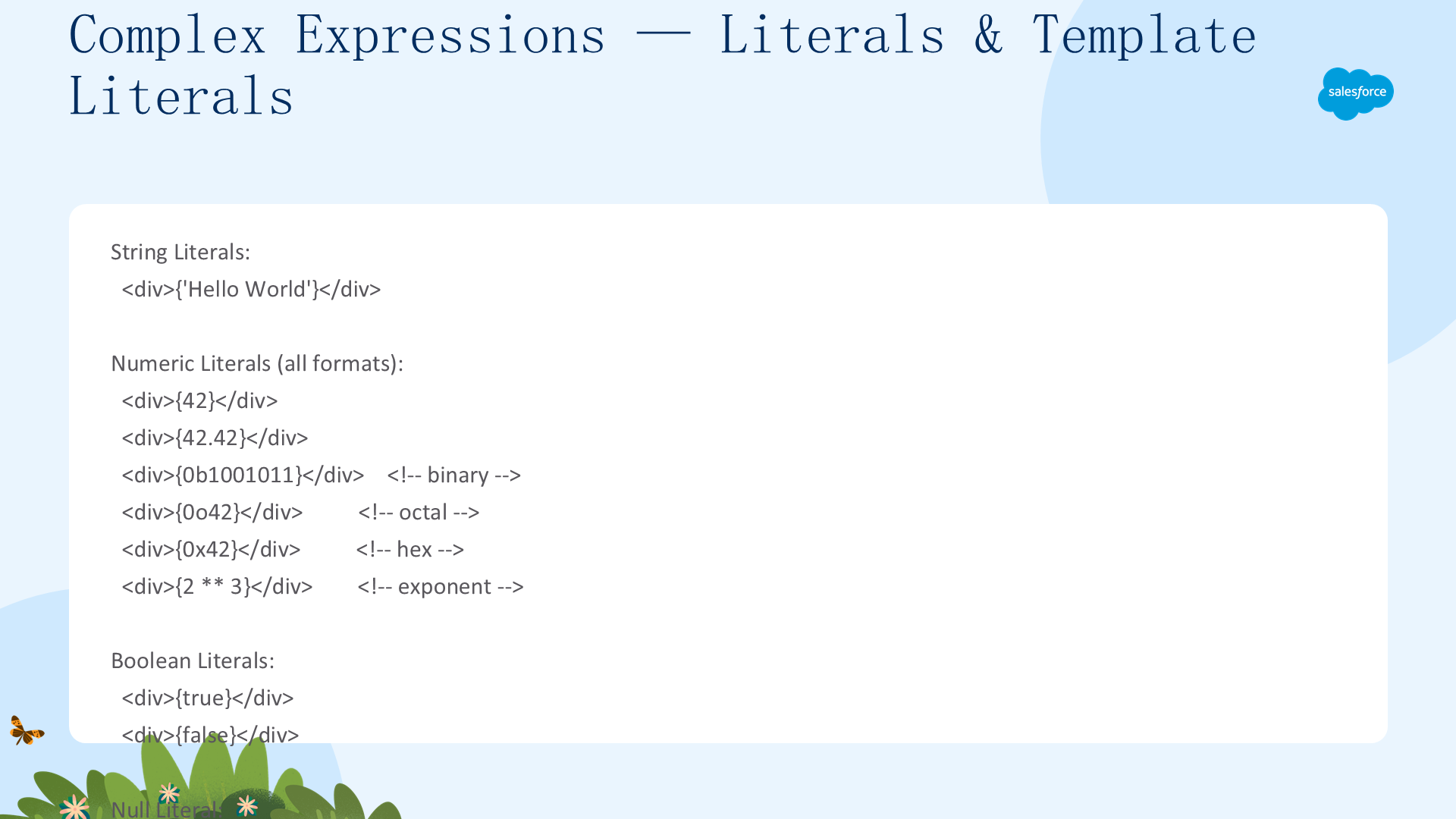
支持的表达式类型
- 字符串字面量:
{'Hello World'} - 数字字面量:
{42}、{42.42}、{0b1001011}(二进制)、{0o42}(八进制)、{0x42}(十六进制)、{2 ** 3}(指数) - 布尔字面量:
{true}、{false} - Null 字面量:
{null}
模板字面量
<div>{`User: ${firstName} ${lastName}`}</div>
<div>{`Status: ${isActive ? 'Active' : 'Inactive'}`}</div>
<div>{`Price: $${price.toFixed(2)}`}</div>
标签模板字面量
<div>{formatCurrency`Total: ${amount}`}</div>

formatCurrency(strings, amount) {
  return "$" + amount.toFixed(2);
}
复杂表达式 —— 三元与逻辑运算符
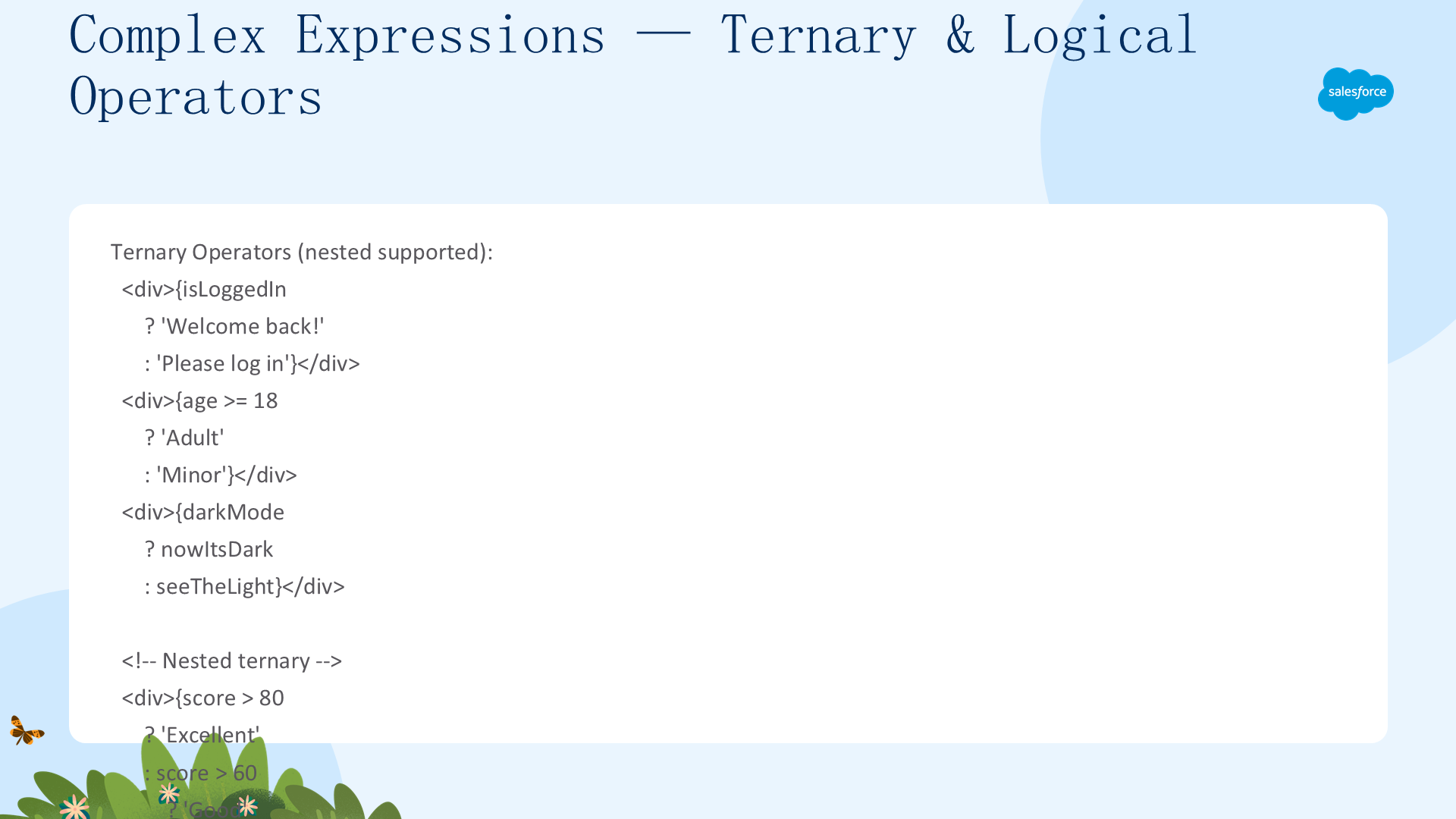
三元运算符(支持嵌套)
<div>{isLoggedIn ? 'Welcome back!' : 'Please log in'}</div>
<div>{age >= 18 ? 'Adult' : 'Minor'}</div>
<div>{score > 80 ? 'Excellent' : score > 60 ? 'Good' : 'Needs Improvement'}</div>
逻辑与一元运算符
<div>{user && user.name}</div>
<div>{error || 'No error occurred'}</div>
<div>{!foo}</div>
<div>{typeof foo}</div>
二元运算符
算术:+、-、*、/、** | 关系:>、>=、===、!== | 按位:&、|、^、>>、<<
HTML 合规关键:<字符不能在文本节点表达式中使用!使用>=和>替代。<仅在带引号的属性中有效。
复杂表达式 —— 函数、数组与对象
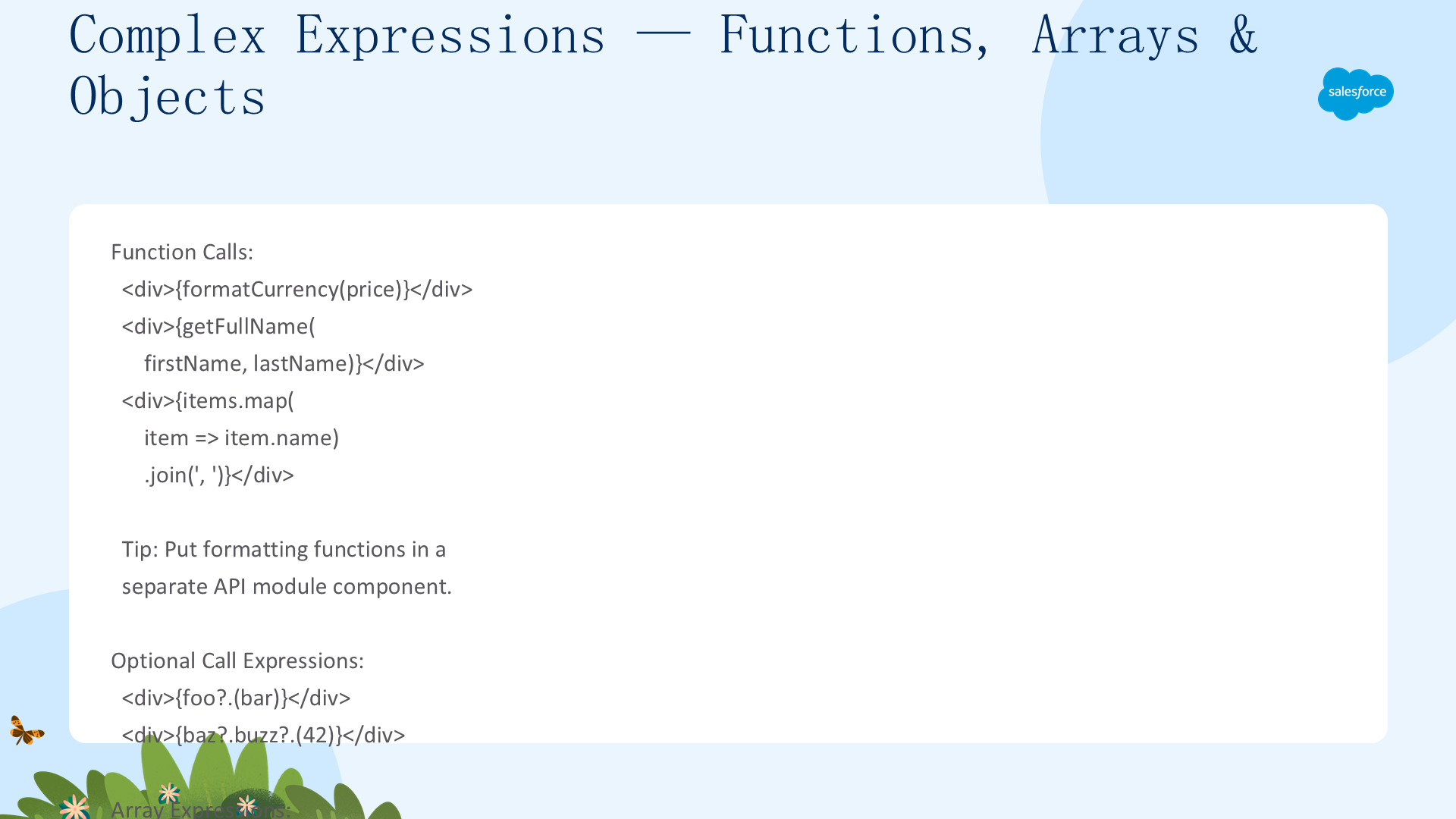
函数调用
<div>{formatCurrency(price)}</div>
<div>{items.map(item => item.name).join(', ')}</div>
数组与对象表达式
<div>{[firstName, lastName].join(' ')}</div>
<div>{[1, 2, 3, 4, 5].reduce((a, b) => a + b, 0)}</div>
<div>{({ name: 'John', age: 30 }).name}</div>
可选链与空值合并
<div>{user?.profile?.name ?? 'Anonymous'}</div>
<div>{data?.items?.length ?? 0}</div>
计算属性(方括号记法)
<div>{user['firstName']}</div>
<div>{items[selectedIndex]}</div>
<div>{config[prefix + 'Setting']}</div>
复杂表达式 —— 箭头函数与迭代器
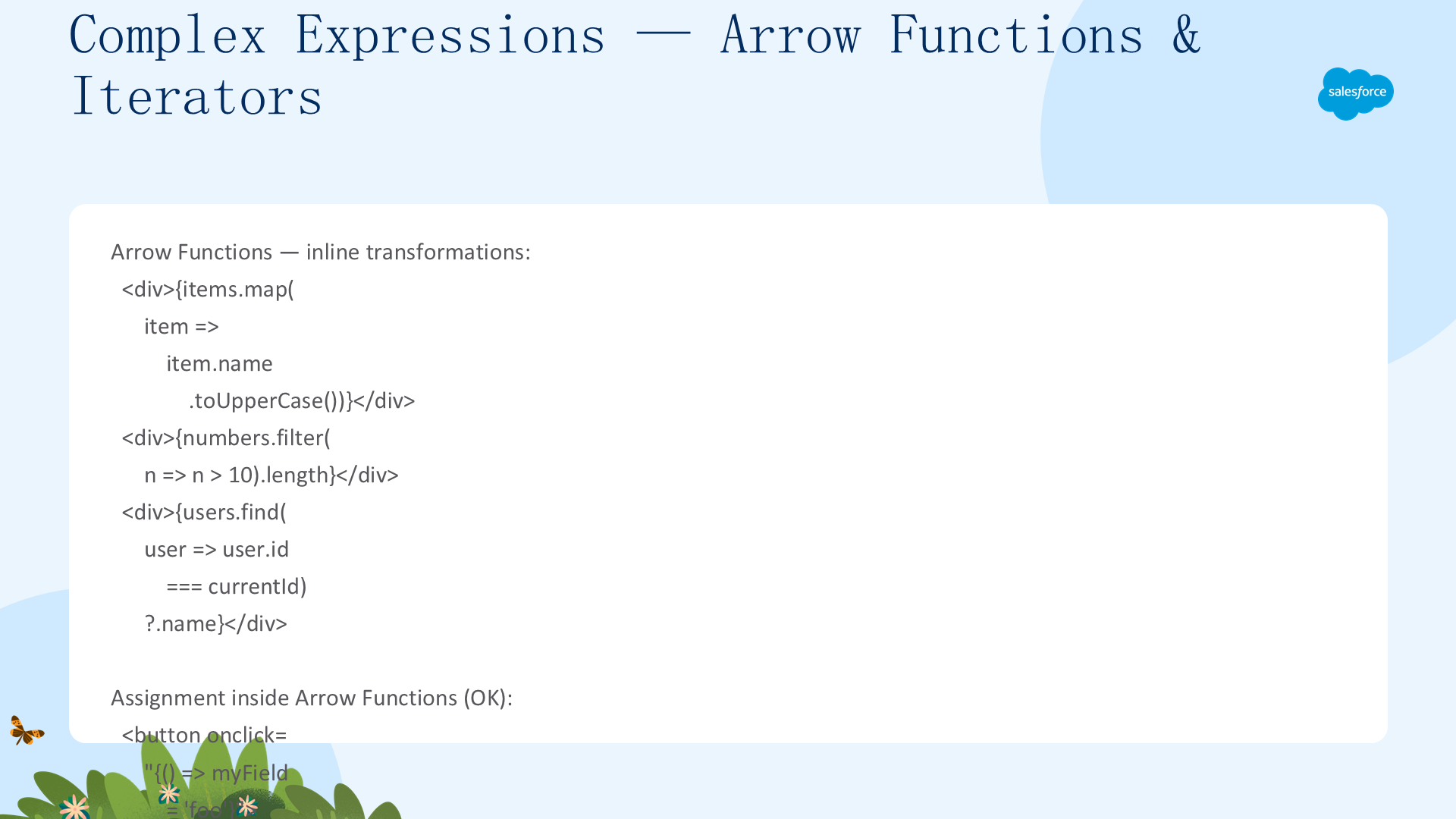
箭头函数 —— 内联转换
<div>{items.map(item => item.name.toUpperCase())}</div>
<div>{numbers.filter(n => n > 10).length}</div>
<div>{users.find(user => user.id === currentId)?.name}</div>
箭头函数中允许的赋值
<button onclick="{() => myField = 'foo'}">Set Label</button>
<button onclick="{() => foo++}">Increment Foo</button>
箭头函数中的限制
- 不允许:块体箭头函数(
{ return ... }) - 不允许:异步箭头函数(
async () => ...) - 不允许:函数声明(
function(){})
迭代器配合复杂表达式
<template for:each="{getBentoItems()}" for:item="okazu">
  <div key="{okazu}">
    <a onclick="{() => taberu(okazu)}">one</a>
  </div>
</template>
复杂表达式 —— 用户输入与列表渲染示例
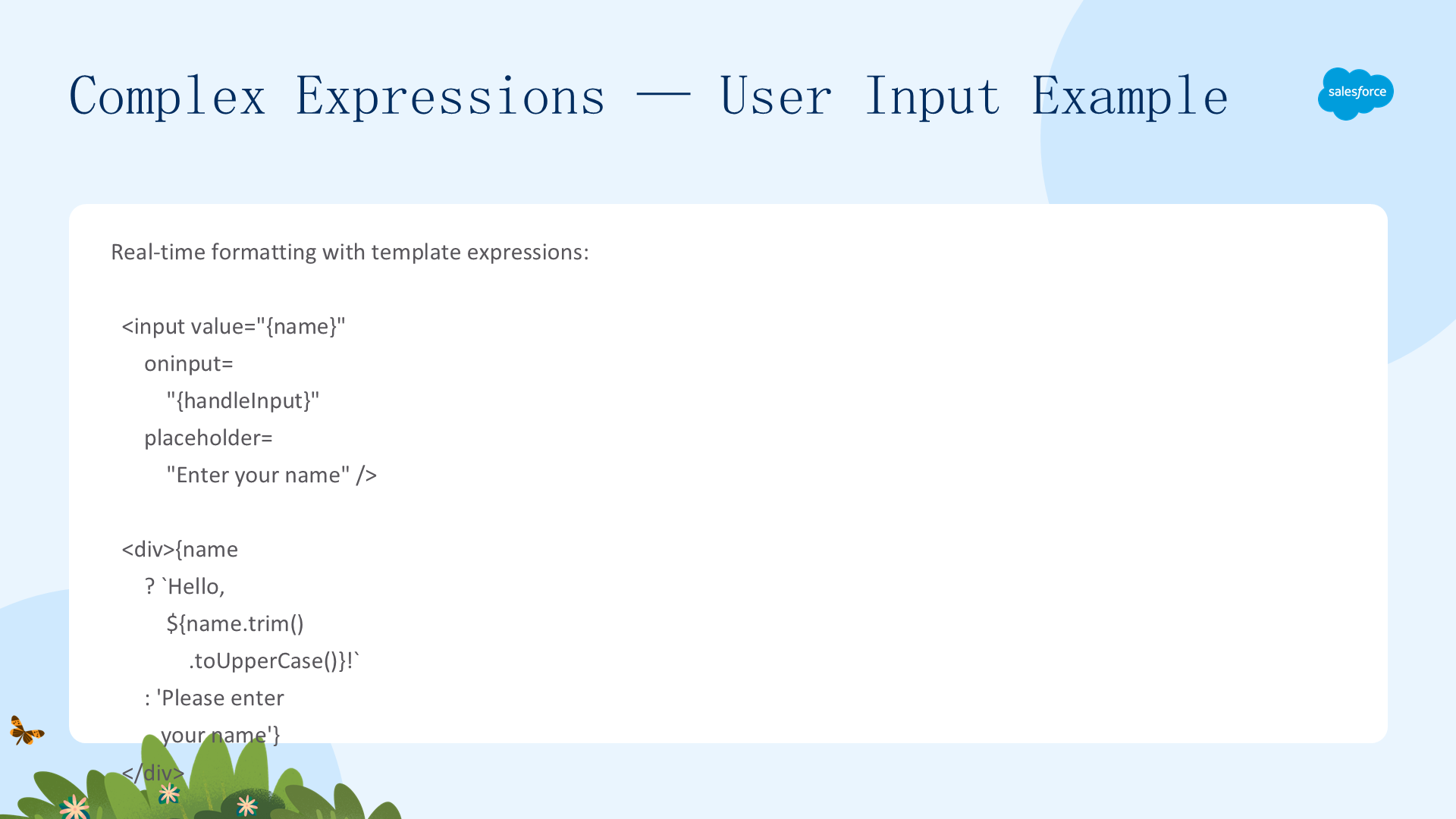
实时格式化
<input value="{name}" oninput="{handleInput}"
    placeholder="Enter your name" />
<div>{name ? `Hello, ${name.trim().toUpperCase()}!`
    : 'Please enter your name'}</div>
<div>{name ? `Your name has ${name.length} characters`
    : ''}</div>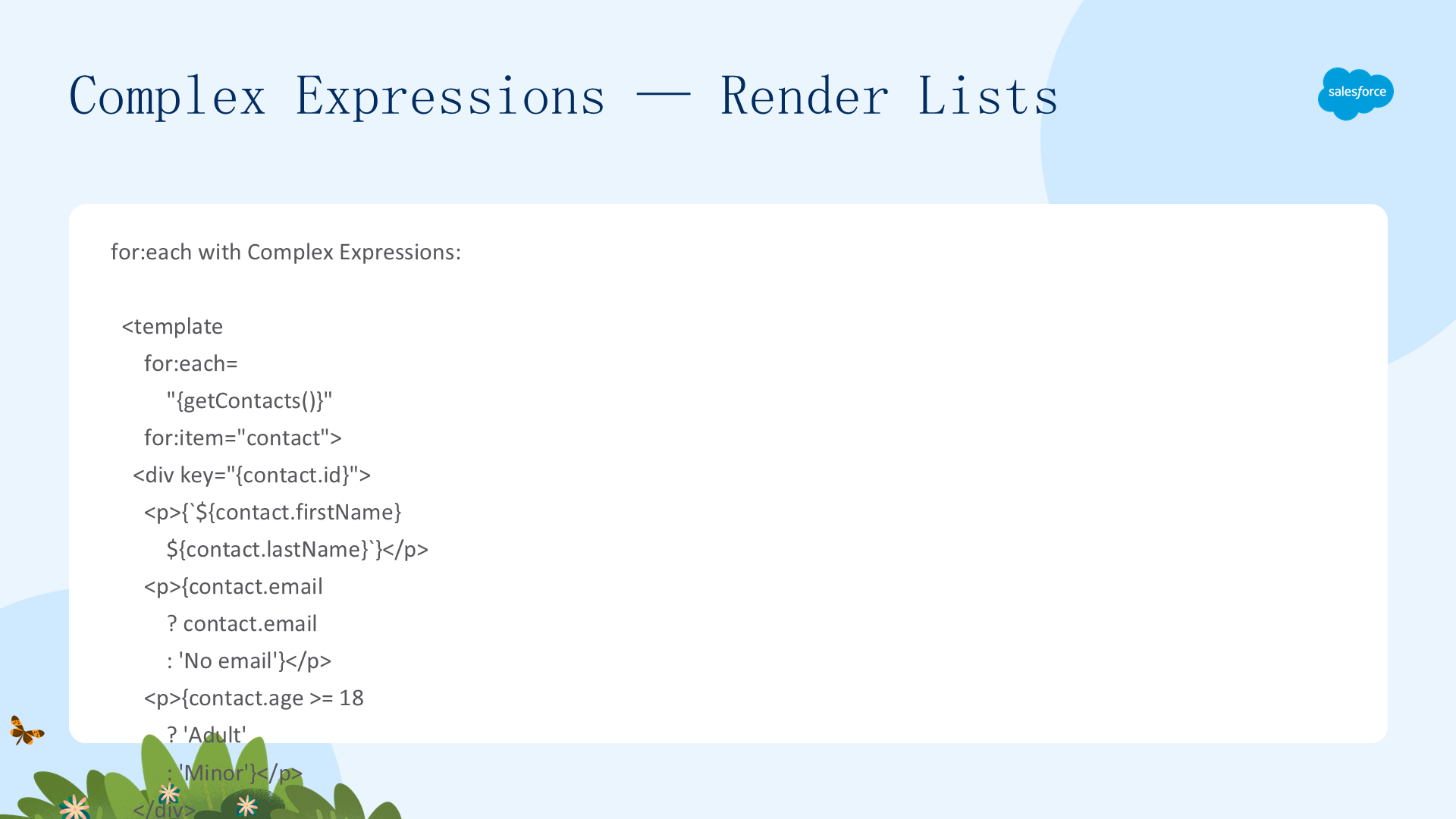
for:each 配合复杂表达式
<template for:each="{getContacts()}" for:item="contact">
  <div key="{contact.id}">
    <p>{`${contact.firstName} ${contact.lastName}`}</p>
    <p>{contact.email ? contact.email : 'No email'}</p>
    <p>{contact.age >= 18 ? 'Adult' : 'Minor'}</p>
  </div>
</template>
iterator 配合 first/last
<template iterator:it="{getActiveContacts()}">
  <div key="{it.value.id}" class="{it.first ? 'list-first'
      : it.last ? 'list-last' : ''}">
    <p>{it.value.email || 'No email'}</p>
  </div>
</template>
更多用法示例
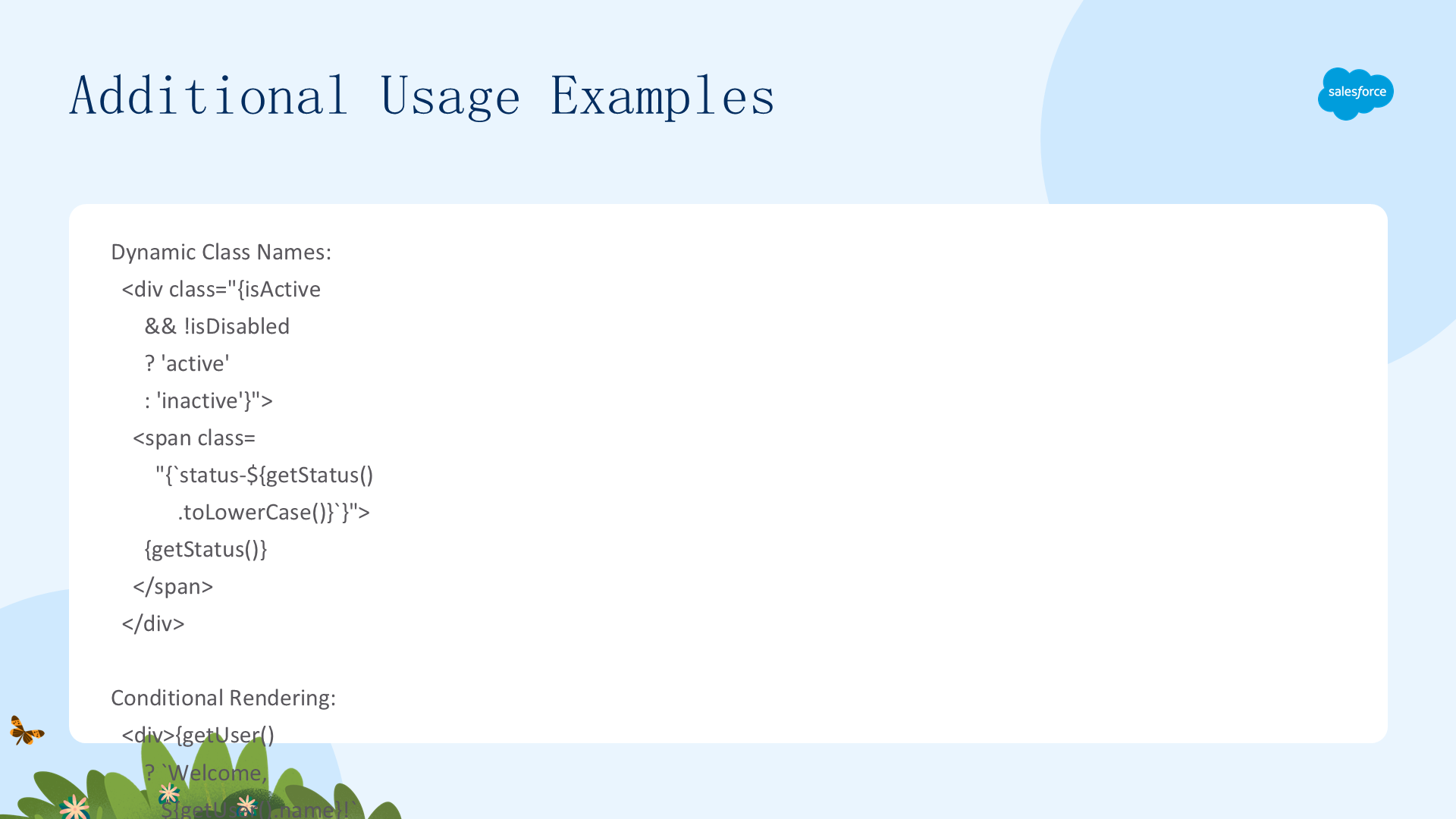
动态类名
<div class="{isActive && !isDisabled ? 'active' : 'inactive'}">
  <span class="{`status-${getStatus().toLowerCase()}`}">{getStatus()}</span>
</div>
条件渲染
<div>{getUser() ? `Welcome, ${getUser().name}!` : 'Please log in'}</div>
<div>{isLoggedIn && user ? `Hello, ${user.name.toUpperCase()}!` : 'Guest'}</div>
数据格式化
<p>Price: {formatCurrency(getPrice())}</p>
<p>Last updated: {formatDate(lastUpdated ?? Date.now())}</p>
<p>Items: {getItems().length > 0 ? `Found ${getItems().length} items` : 'None'}</p>
列表处理
<p>Active items: {getAllItems().filter(item => item.active).length}</p>
<p>Average price: {getAllItems().reduce((sum,item) =>
    sum + item.price, 0) / getAllItems().length}</p>
复杂表达式最佳实践
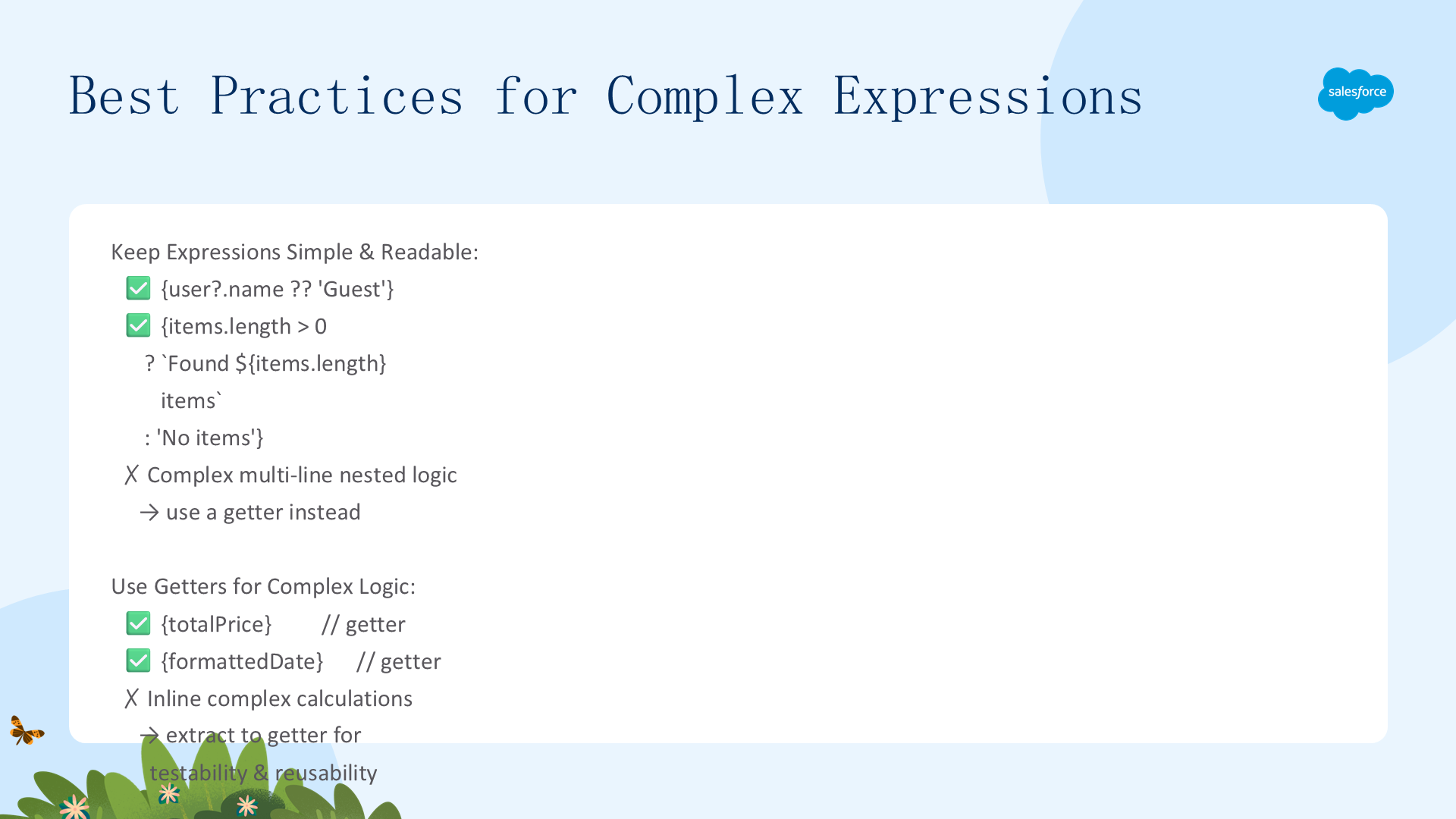
- 保持表达式简单:多行嵌套逻辑 → 使用 getter
- 复杂逻辑使用 Getter:
{totalPrice}、{formattedDate}→ 更好的可测试性和可重用性 - 优先使用组件方法:将如
formatCurrency()等格式化函数放在 API 模块组件中 - 充分测试(Beta!):单元测试 getter/方法、集成测试渲染、测试边界情况(null、undefined、空数组)
- 避免深层嵌套:2-3 层可选链足够,更深 → 使用中间变量或 getter
- 箭头函数使用有意义的名称:
items.map(item => ...)而非items.map(x => ...) - 属性中的复杂表达式必须加引号:
class="{isActive ? 'active' : 'inactive'}" - 确保 HTML 合规:在文本节点中用
>=替代< - 关注性能:重复计算 → 在 getter 中缓存;大型数组操作可能影响渲染性能
复杂表达式 —— 注意事项与限制
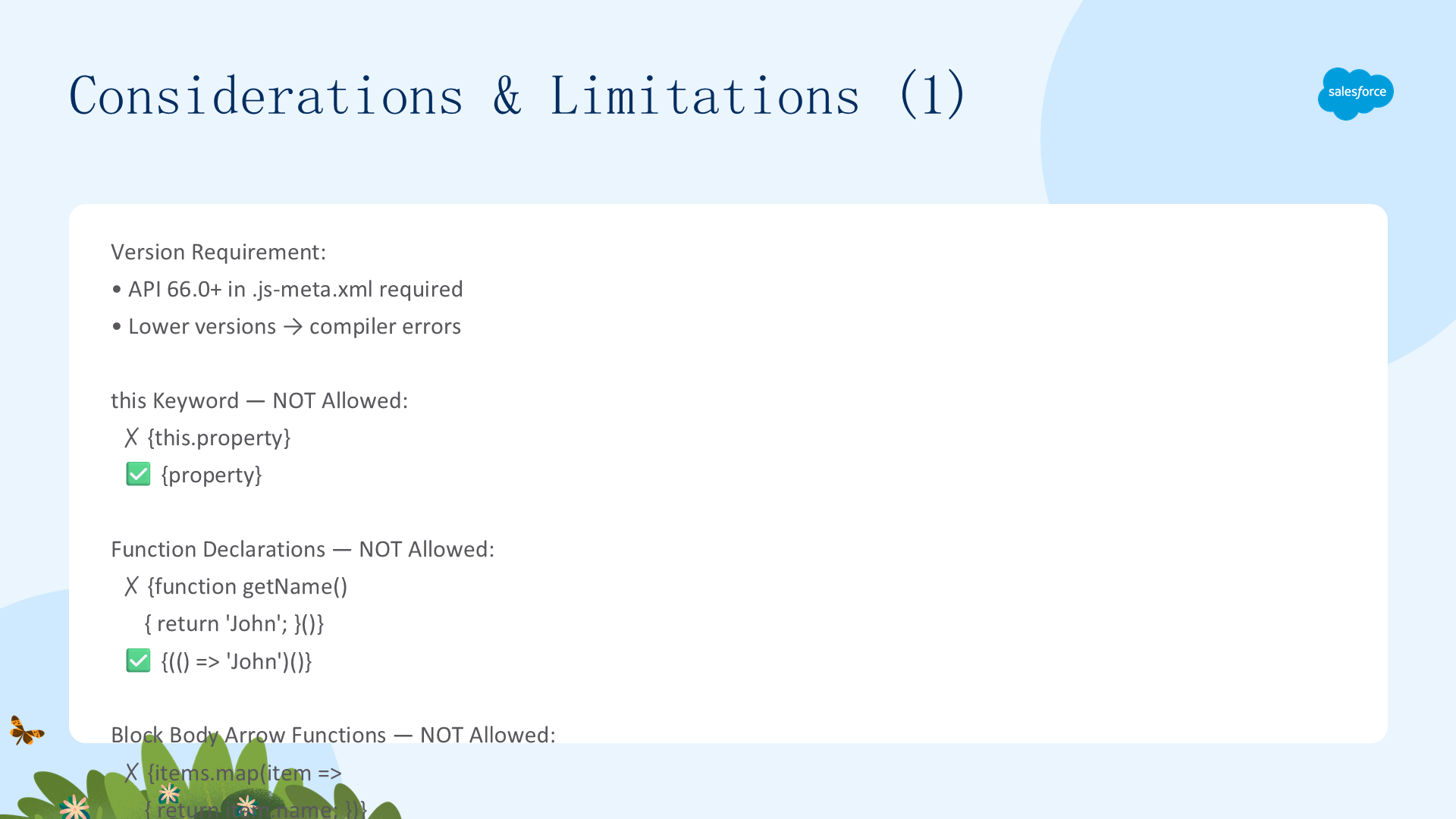
版本要求
- API 66.0+(
.js-meta.xml中设置),较低版本 → 编译器错误
不被支持的操作
| 不支持 | 错误示例 | 替代方案 |
|---|---|---|
| this 关键字 | {this.property} | 直接使用 {property} |
| 函数声明 | {function getName(){}} | 使用箭头函数 |
| 块体箭头 | {items.map(item => { return ... })} | 去掉花括号和 return |
| async/await | {await fetchData()} | 使用 connectedCallback() 的异步方法 |
| 赋值/更新运算符 | {count++} | 仅在箭头函数内允许(如 onclick) |
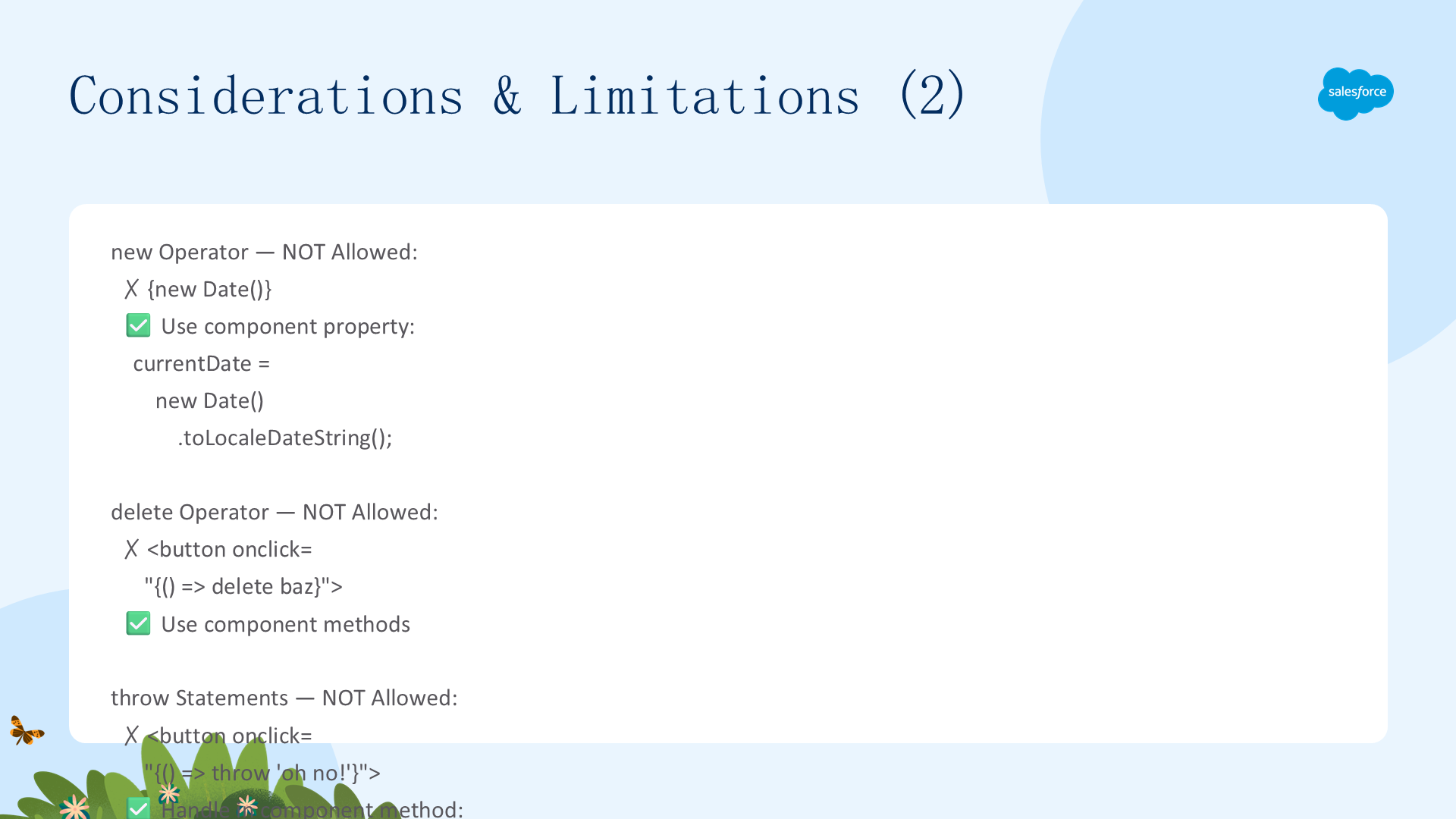
更多限制
- 不允许:
new、delete、throw、yield、super、import、类表达式、正则字面量、BigInt 字面量、表达式内注释、逗号运算符 - 替代方案:在 JavaScript 类中定义值/方法,在模板中引用
HTML 语法兼容性与常见错误
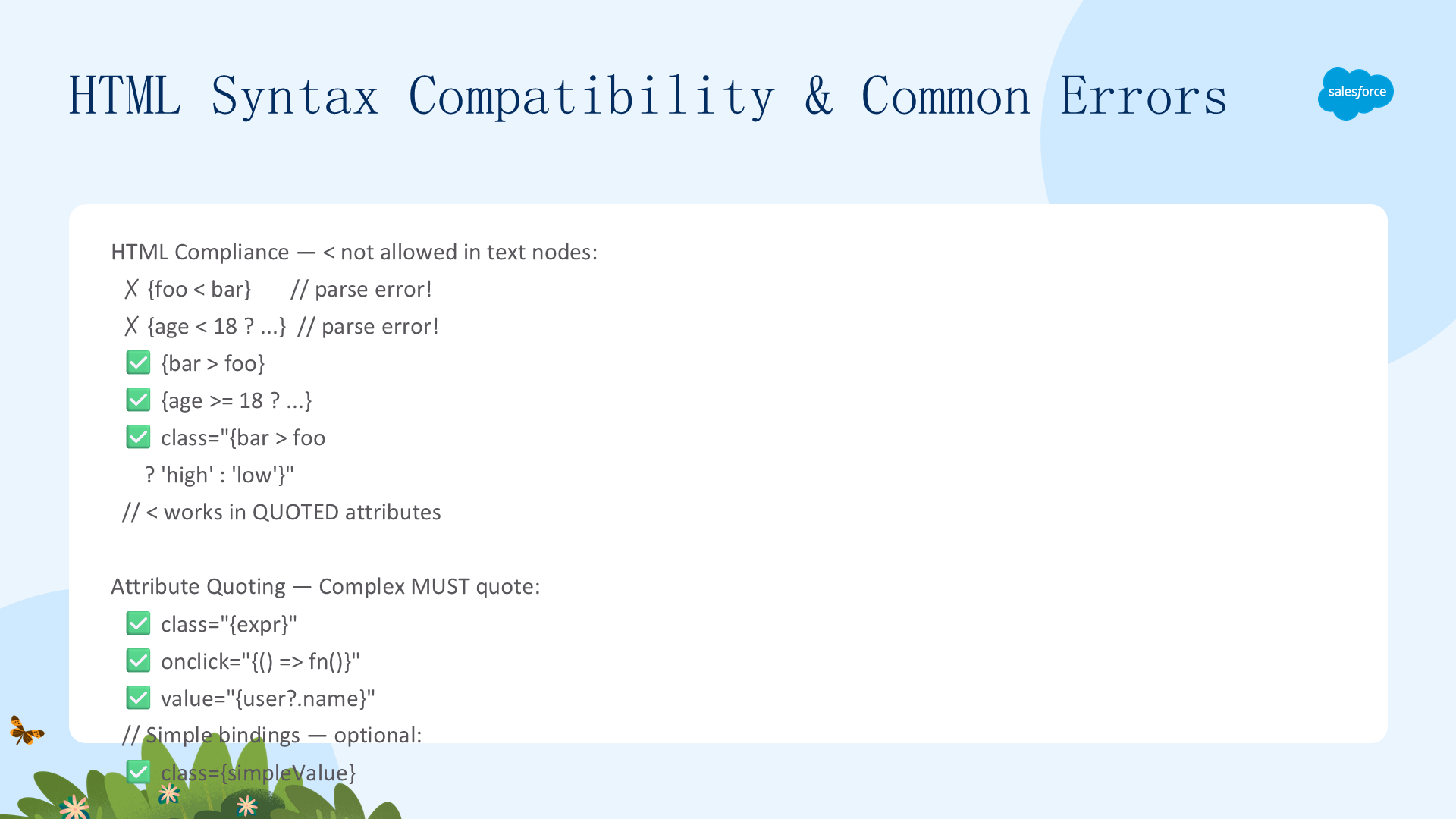
HTML 合规关键规则
<不能在文本节点中使用:{foo < bar}→ 解析错误!使用{bar > foo}- 属性中的复杂表达式必须加引号:
class="{expr}",简单绑定可不加引号:value={simpleProp} - HTML 实体不被解码:避免
{'Price < $100'}
常见错误消息
| 错误消息 | 原因 |
|---|---|
Expected quoted attribute value | 属性中的复杂表达式未加引号 |
Unexpected token | 文本节点中使用了 <,或表达式格式错误 |
'this' is not allowed | 使用了 this 关键字 |
'new' operator is not allowed | 使用了 new 运算符 |
Function declarations are not allowed | 使用了 function 而非箭头函数 |
Arrow functions with block bodies are not allowed | 箭头函数中使用了 { return } |
条件渲染 —— lwc:if/elseif/else
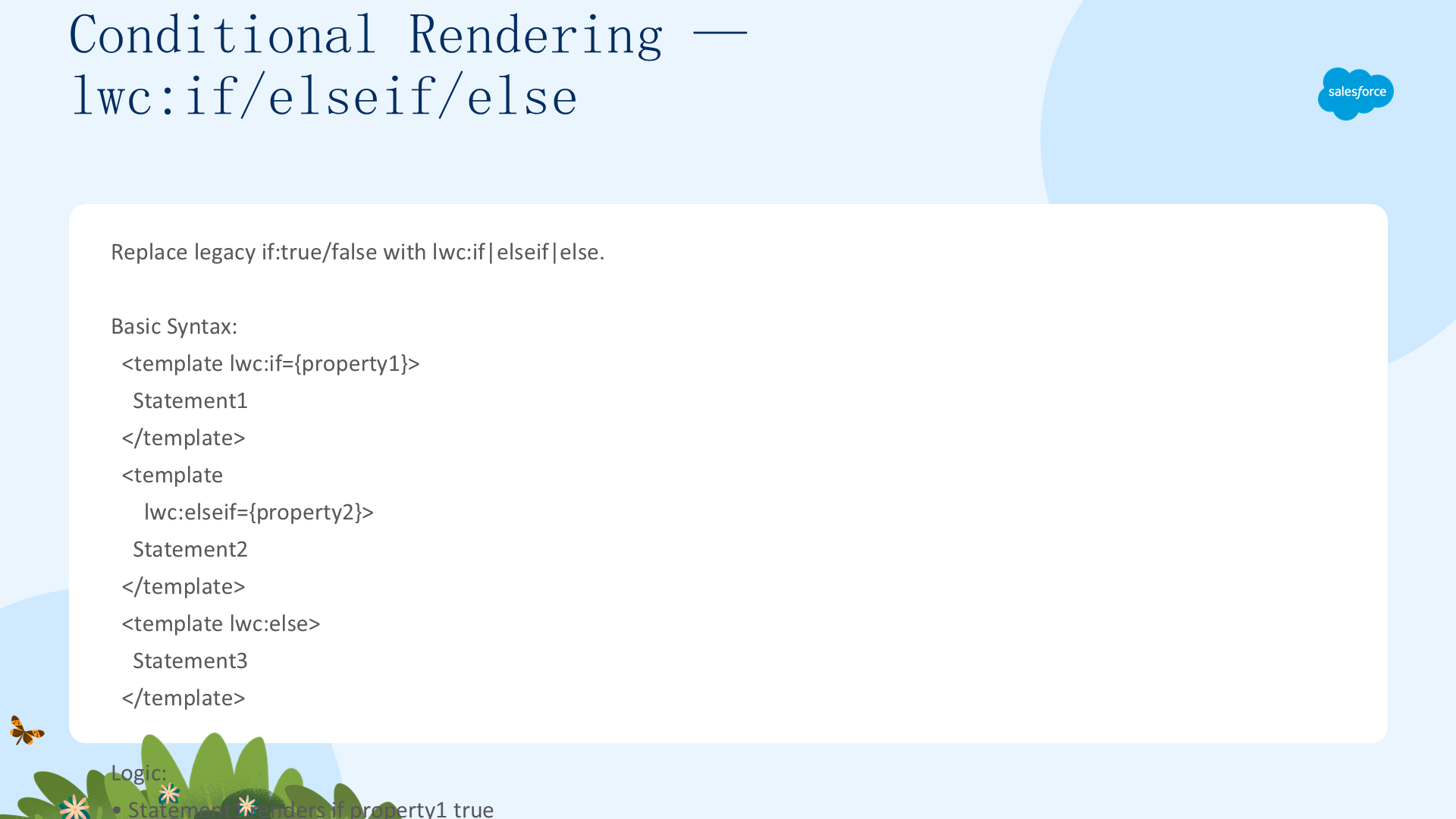
使用 lwc:if、lwc:elseif、lwc:else 替代旧版的 if:true/false。
<template lwc:if={property1}>
  Statement1
</template>
<template lwc:elseif={property2}>
  Statement2
</template>
<template lwc:else>
  Statement3
</template>
交互示例
<lightning-input type="checkbox" label="Show details"
    onchange={handleChange}></lightning-input>

<template lwc:if={areDetailsVisible}>
  <div>These are the details!</div>
</template>
使用规则
- 可用于
<template>、<div>、自定义组件和基础组件 lwc:elseif/else必须紧跟lwc:if或另一个lwc:elseif- 支持嵌套条件
- JavaScript 只改变属性值,不直接操作 DOM
最佳实践:为布尔属性设置默认值 false,以实现干净的切换行为。
渲染列表 —— for:each 与 iterator
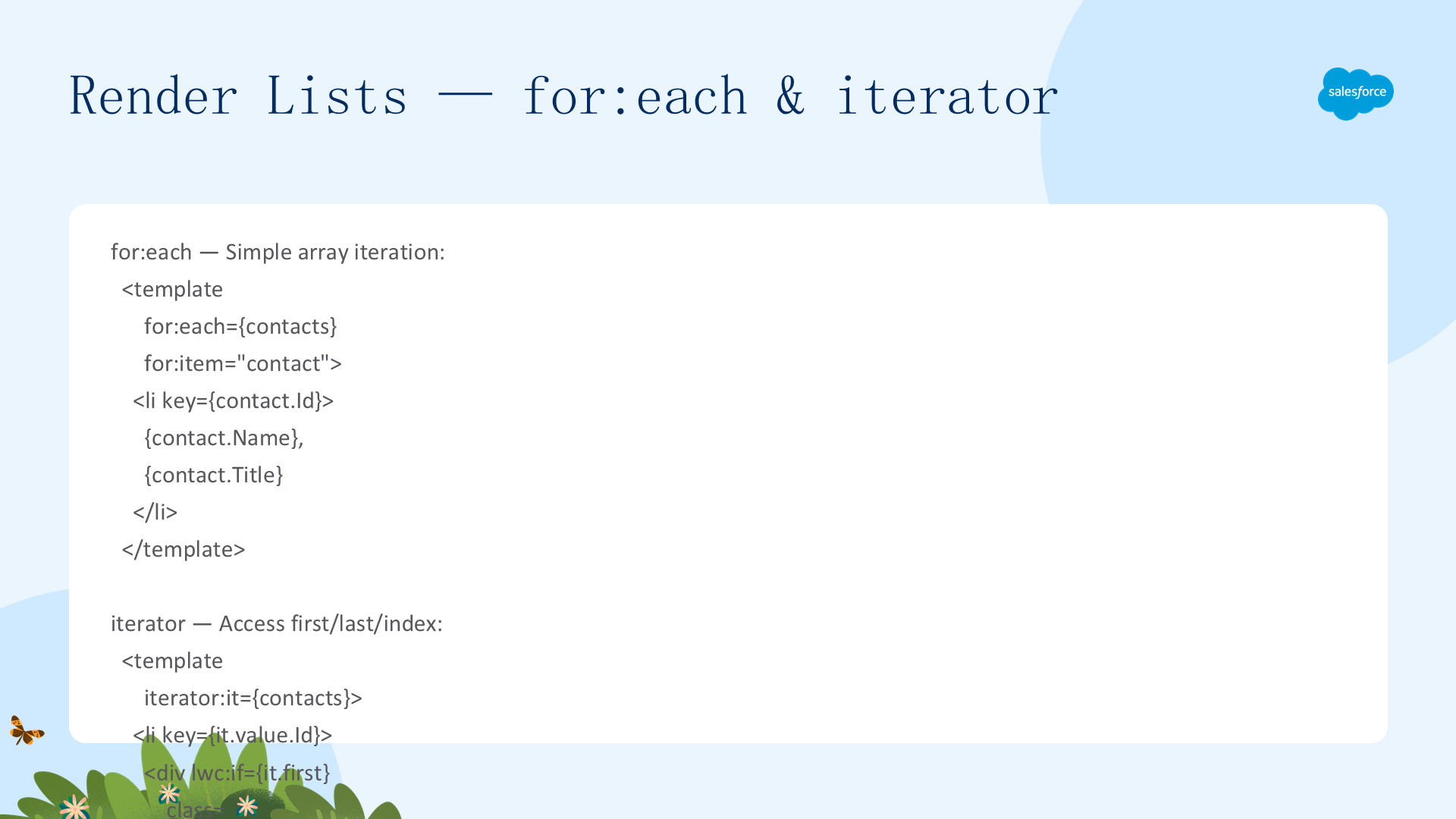
for:each —— 简单数组遍历
<template for:each={contacts} for:item="contact">
  <li key={contact.Id}>
    {contact.Name}, {contact.Title}
  </li>
</template>
iterator —— 访问 first/last/index
<template iterator:it={contacts}>
  <li key={it.value.Id}>
    <div lwc:if={it.first} class="list-first"></div>
    {it.value.Name}, {it.value.Title}
    <div lwc:if={it.last} class="list-last"></div>
  </li>
</template>
iterator 属性
value—— 当前项对象index—— 列表中的位置first—— 仅第一项为 truelast—— 仅最后一项为 true
关键:通过it.value.propertyName访问属性,不是it.propertyName!
Key 指令 —— 两者都必需
- 在迭代内的第一个元素上设置
key={uniqueId} - 必须是字符串或数字(不能是对象,不能用索引)
- 框架使用 key 来仅重新渲染变更的项(性能优化)
- 运行时不在 DOM 中反映
选择指南:需要 first/last 样式或索引 → 使用 iterator;简单遍历 → 使用 for:each。两者都支持复杂模板表达式。
渲染多个模板
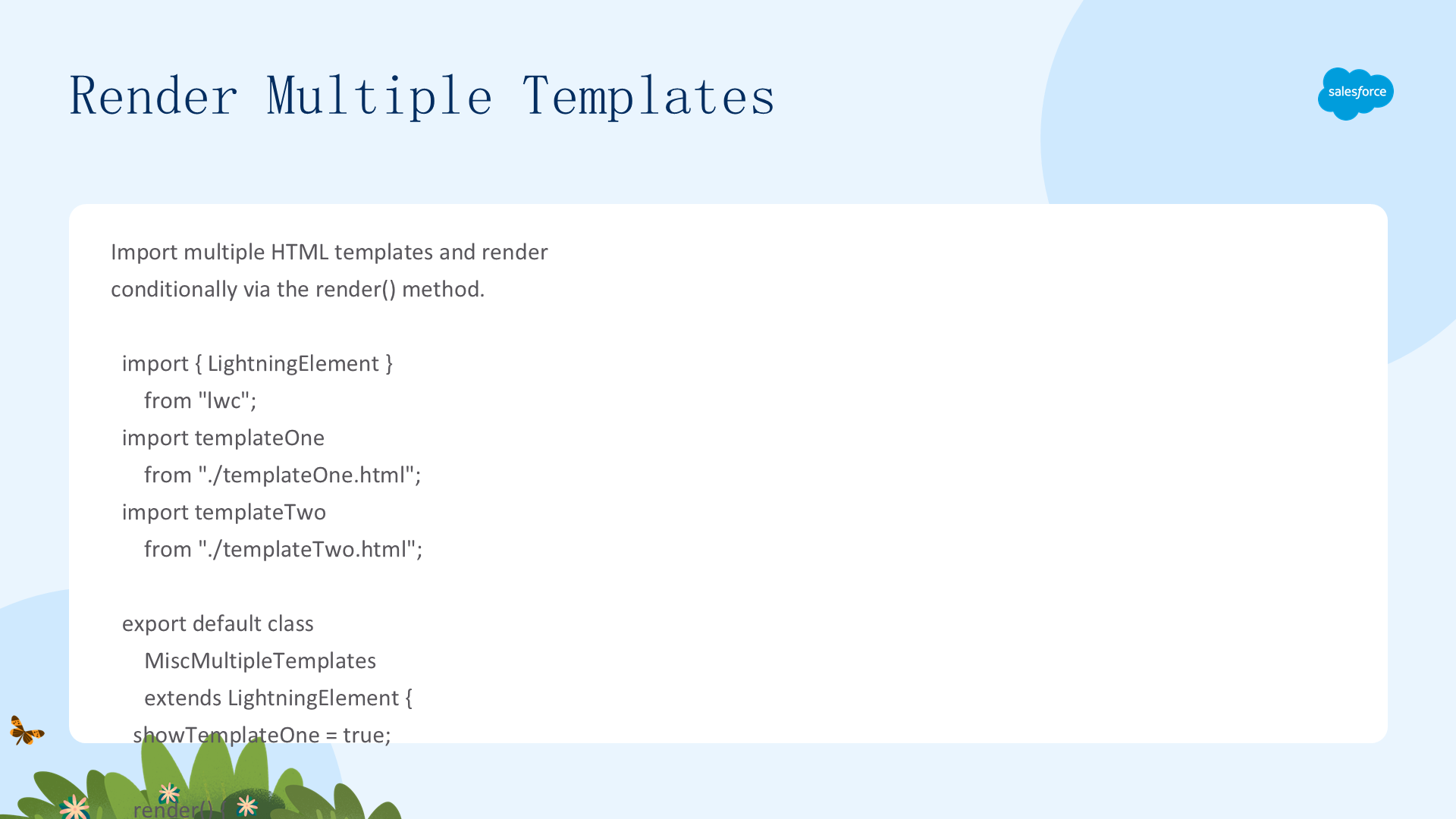
通过导入多个 HTML 模板并覆盖 render() 方法,可以实现条件性模板选择:
import { LightningElement } from "lwc";
import templateOne from "./templateOne.html";
import templateTwo from "./templateTwo.html";

export default class MiscMultipleTemplates extends LightningElement {
  showTemplateOne = true;

  render() {
    return this.showTemplateOne ? templateOne : templateTwo;
  }

  switchTemplate() {
    this.showTemplateOne = !this.showTemplateOne;
  }
}
额外模板的 CSS 规则
- CSS 文件名必须与额外模板文件名匹配(如
templateTwo.html→templateTwo.css) - 不能引用主组件或其他模板的 CSS
建议:大多数情况下优先使用 lwc:if|elseif|else 在单模板内处理。只有当你需要完全不同的标记结构时才使用多个模板。
感谢阅读本指南。如需继续学习,请参阅下一章:为组件添加样式。