航班预订示例:自定义 Lightning Types 输入与输出
本示例演示如何使用 Custom Lightning Types (CLT) 覆盖 Agent Action 的默认 UI,为输入和输出打造品牌化的交互式用户体验。通过自定义 Lightning Web Components (LWC) 替代默认的 JSON 文本显示。
下载示例文件:apexClass.zip、flightResponseCLTandLWC.zip、flightFiltersCLTandLWC.zip。
航班 Agent Action 的 Apex 类
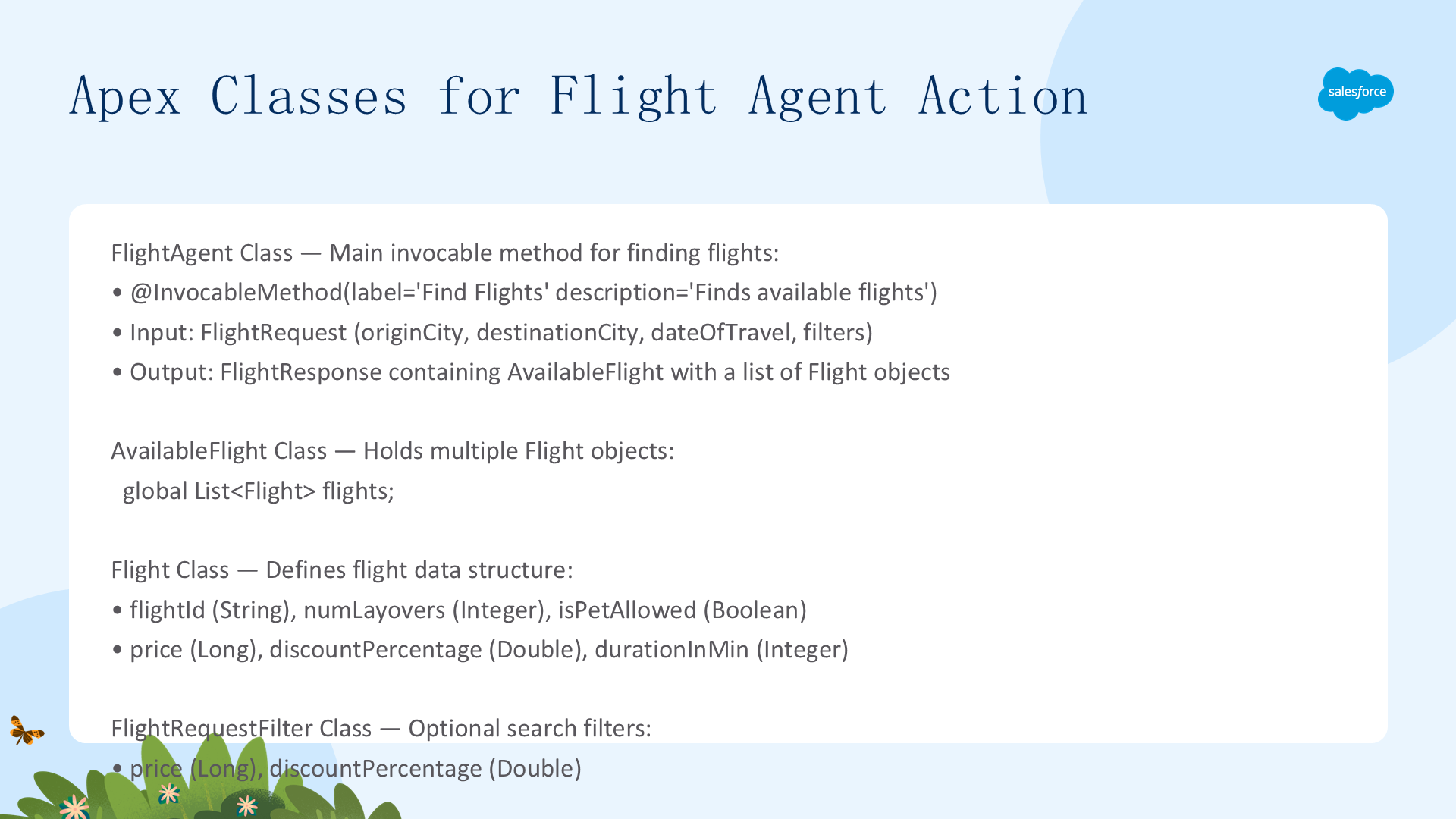
使用四个 Apex 类协同创建 Find Flights 自定义 Agent Action:
FlightAgent(主类,含 @InvocableMethod)
global class FlightAgent {
    @InvocableMethod(label='Find Flights' description='Finds available flights')
    global static List<FlightResponse> findFlights(List<FlightRequest> req) {
        // 示例中硬编码了航班数据(生产环境从外部服务获取)
        Flight f1 = new Flight('IX 2814', 1, false, 1000l, 20.20d, 70);
        Flight f2 = new Flight('6E 488', 2, false, 2000l, 15.15d, 120);
        // ... 构建 AvailableFlight + FlightResponse 并返回
    }
    // FlightRequest 内部类:originCity, destinationCity, dateOfTravel, filters
    // FlightResponse 内部类:aFlight (AvailableFlight 类型)
}
AvailableFlight、Flight、FlightRequestFilter
- AvailableFlight:含
List<Flight> flights字段,作为响应的顶层容器 - Flight:flightId / numLayovers / isPetAllowed / price / discountPercentage / durationInMin
- FlightRequestFilter:price + discountPercentage,可选过滤器
注意:本示例硬编码了航班数据。生产环境中应从外部服务获取实时数据,Apex 类负责处理并生成最终响应。
创建 Agent Action 与默认 UI 问题
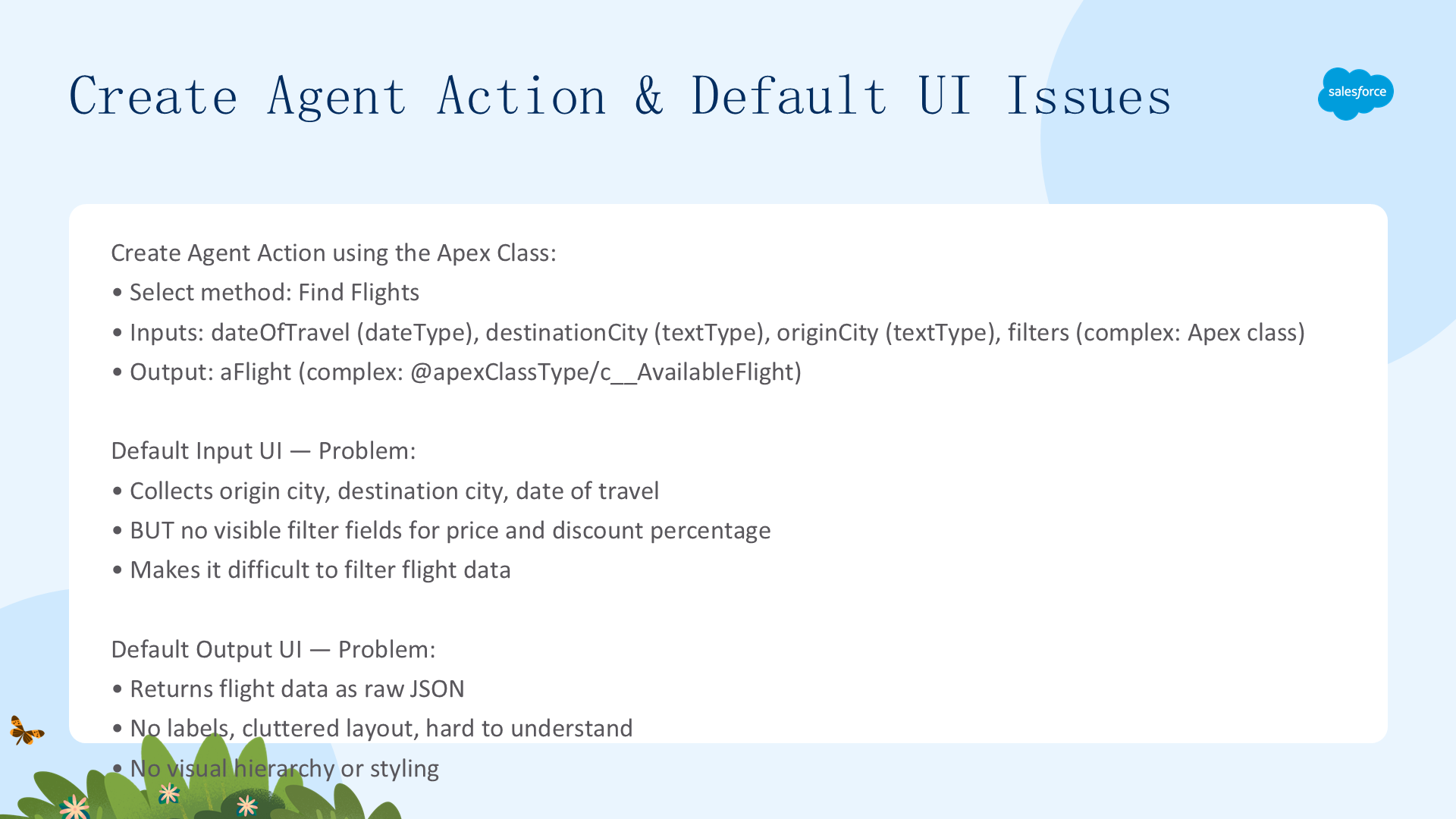
使用 Apex 类创建自定义 Agent Action,选择 Find Flights 方法。输入输出由标准 Lightning Types 和 Apex 类定义:
- 输入:dateOfTravel(dateType)、destinationCity(textType)、originCity(textType)、filters(复杂类型 → FlightRequestFilter Apex 类)
- 输出:aFlight(复杂类型 → AvailableFlight Apex 类),引用方式为
@apexClassType/c__AvailableFlight
默认 UI 的两个问题:
- 输入缺少过滤器:默认表单只收集 origin/destination/date,无法输入 price 和 discountPercentage 过滤条件
- 输出来源 JSON:返回的航班数据以原始 JSON 数组展示(flightId/price/durationInMin 等字段堆叠),无标签、无格式化,难以阅读
// 默认返回的 JSON 结构
{"aFlight":{"flights":[{"price":1000,"numLayovers":1,"flightId":"IX 2814","durationInMin":70,"discountPercentage":20.2}]}}
自定义输出 UI:flightResponse CLT
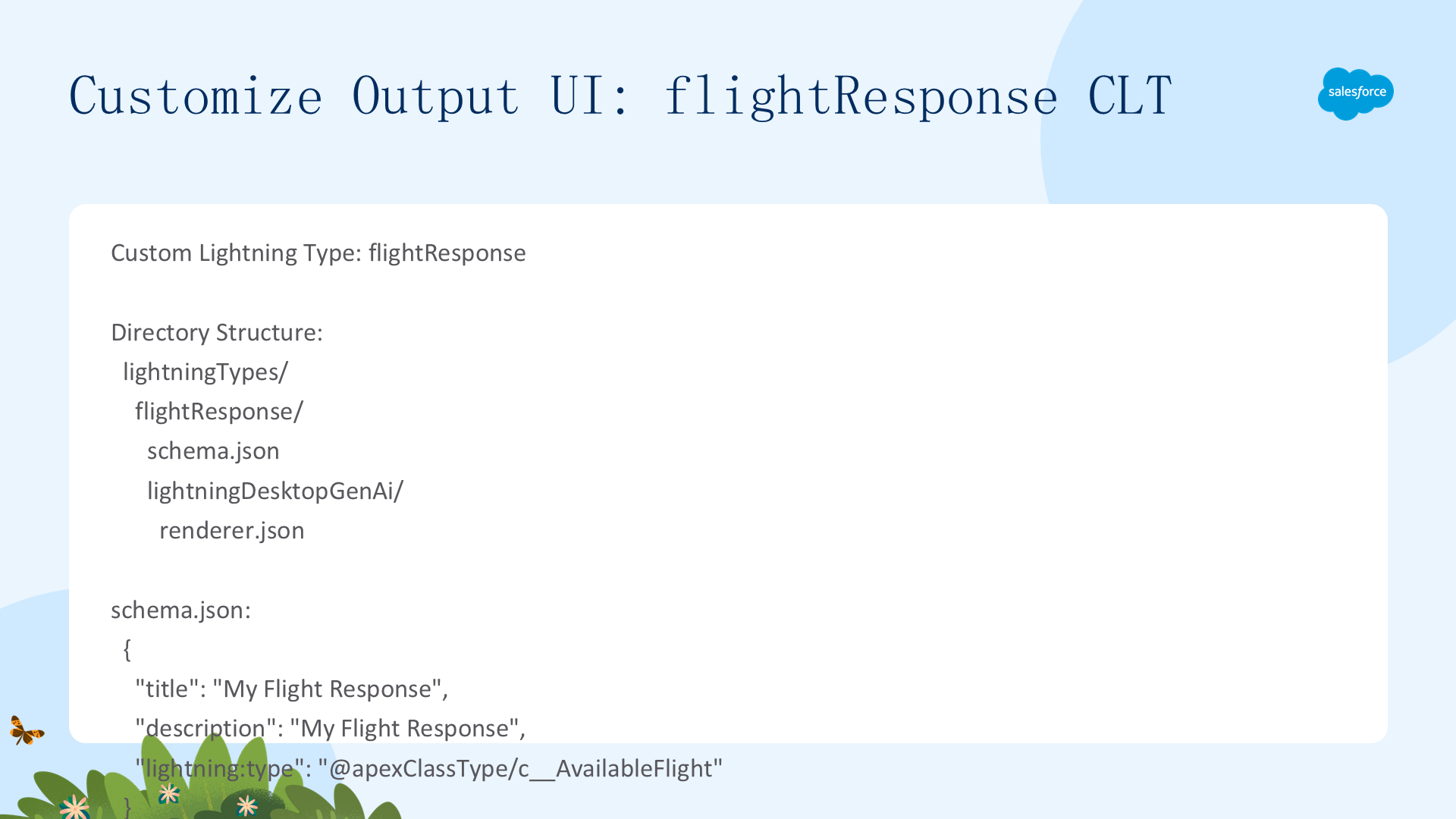
创建 CLT flightResponse 覆盖输出 UI。文件结构:
lightningTypes/
  flightResponse/
    schema.json              # 声明类型映射
    lightningDesktopGenAi/
      renderer.json          # 定义 LWC 渲染器覆盖
schema.json
{"title":"My Flight Response","description":"My Flight Response","lightning:type":"@apexClassType/c__AvailableFlight"}renderer.json
{"renderer":{"componentOverrides":{"$":{"definition":"c/flightDetails"}}}}LWC:flightDetails(关键细节)
- Target:
lightning__AgentforceOutput+ sourceTypec__flightResponse - JS:
@api value接收 Agent 返回的数据 →connectedCallback()中处理:转换 isPetAllowed→Yes/No、durationInMin→"X hr Y min" 格式、计算 arrivalTime - HTML:以航班卡片形式渲染——flightId + 折扣标签、价格 + 时长、时间线(出发/到达)、经停次数 + 宠物允许图标
集成步骤
- 打开 Agent Action → 编辑 aFlight 输出的 Output Rendering 参数
- 选择
flightResponseCLT → 保存 - ("Map to Variable" 显示 Unsupported Data Type 可安全忽略)
- 重新加载 Agent 页面后测试
自定义输入 UI:flightFilter CLT
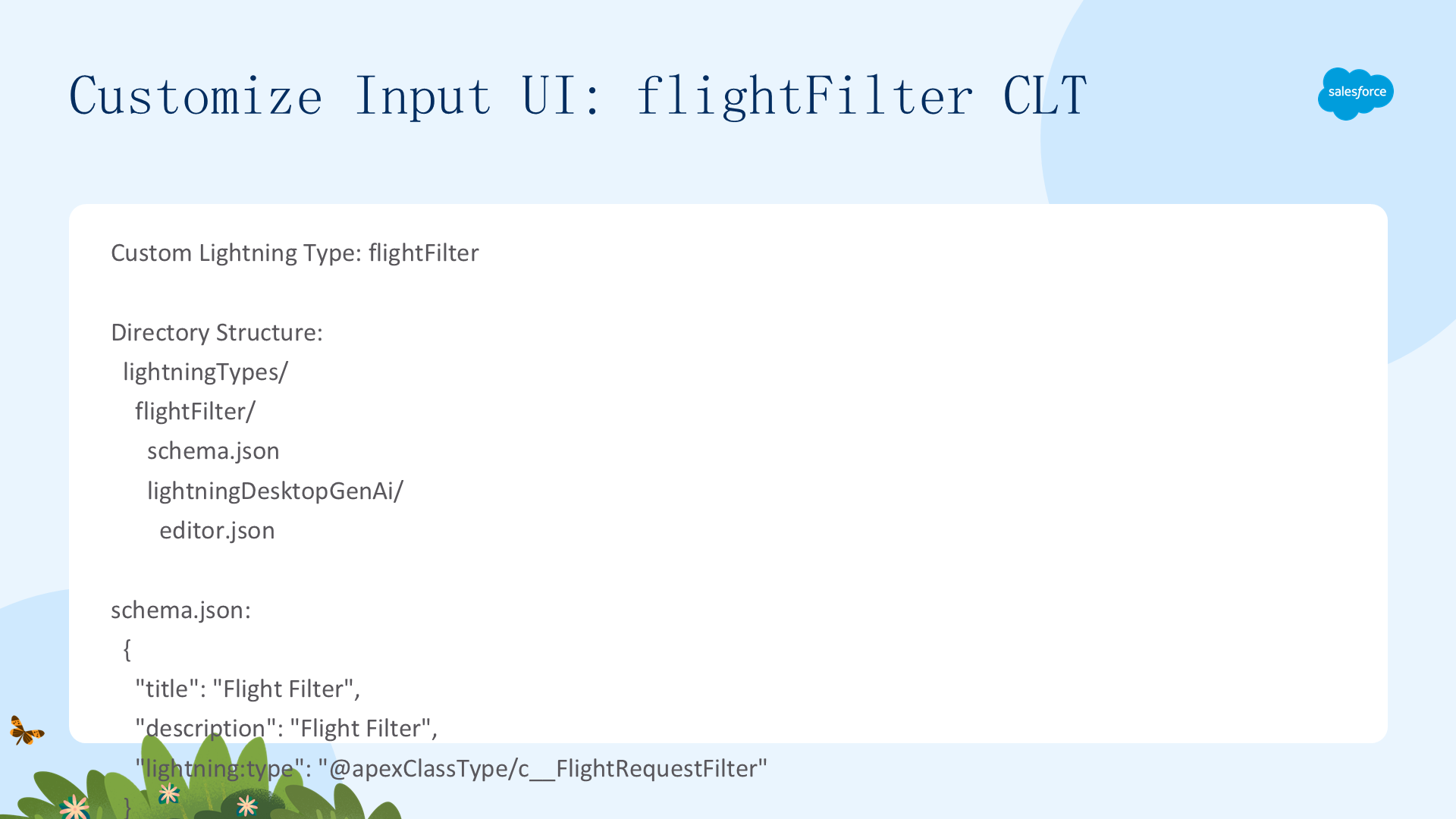
创建 CLT flightFilter 覆盖输入 UI,添加价格和折扣过滤器。文件结构:
lightningTypes/
  flightFilter/
    schema.json
    lightningDesktopGenAi/
      editor.json             # 定义 LWC 编辑器覆盖
schema.json
{"title":"Flight Filter","description":"Flight Filter","lightning:type":"@apexClassType/c__FlightRequestFilter"}editor.json
{"editor":{"componentOverrides":{"$":{"definition":"c/flightRequestFilter"}}}}LWC:flightRequestFilter(关键细节)
- Target:
lightning__AgentforceInput+ targetTypec__flightFilter - HTML:两个
lightning-input——Price(number, min=1000, max=20000)和 Discount Percentage(number, min=0, max=100),带 read-only 属性 - JS:
handleInputChange()捕获用户输入 → 更新组件状态 → dispatchvaluechangeCustomEvent 通知父组件。此函数是必须的——确保实时数据绑定并阻止不必要的事件传播
集成步骤
- 打开 Agent Action → 编辑 filters 输入的 Input Rendering 参数
- 选择
flightFilterCLT → 保存 - 重新加载 Agent 页面后测试
注意:LLM 在某些情况下可能以文本方式请求输入。确保子代理指令准确更新,以便正确选择 Override Input 组件。例如 Find Flight 动作通过 UI 表单(非文本)接受输入,因为需要价格和折扣范围。
Before & After:Custom Lightning Type UI
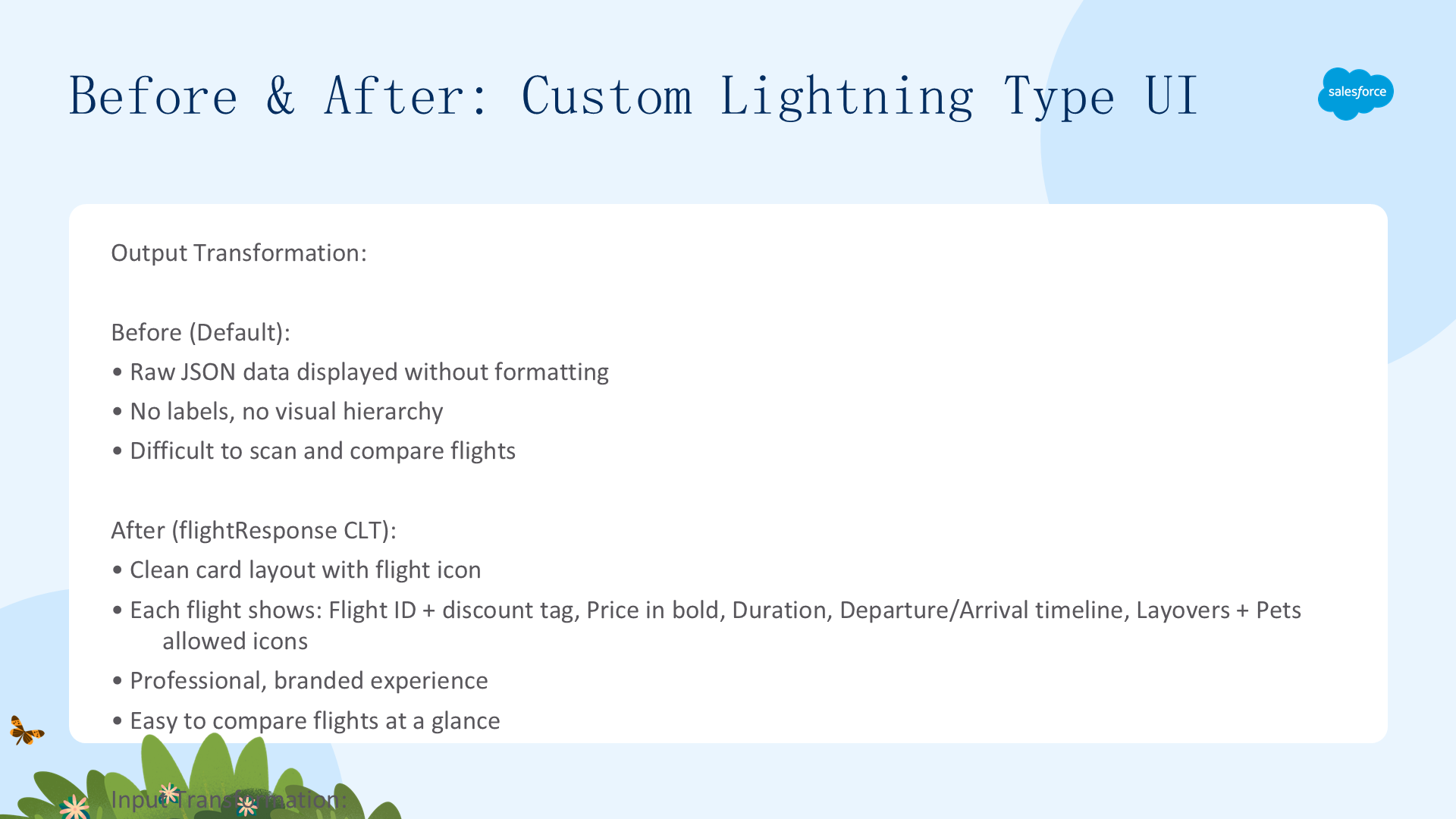
效果对比:
| 维度 | 默认 UI(Before) | CLT 自定义 UI(After) |
|---|---|---|
| 输出 | 无标签、格式杂乱、原始 JSON、无 Book Now 按钮 | 国旗卡片——清晰标签、折扣高亮、价格+时长+时间线、Book Now 按钮 |
| 输入 | 只收集三要素(origin/destination/date),无法过滤价格和折扣 | 完整的 Price(1,000-20,000)+ Discount(0-100%)范围选择器 |
| 用户体验 | 开发者工具级别 | 消费级应用——品牌化、交互式 |
关键技术总结:
- LWC Target 区分:输出用
lightning__AgentforceOutput+sourceType;输入用lightning__AgentforceInput+targetType - CLT 目录:
lightningTypes/<name>/含 schema.json + 通道目录(lightningDesktopGenAi/enhancedWebChat)下的 renderer.json 或 editor.json - 数据绑定:输出 LWC 通过
@api value接收数据;输入 LWC 通过valuechangeCustomEvent 回传数据 - schema.json:用
lightning:type声明映射到的 Apex 类型(格式@apexClassType/c__ClassName) - 部署:先部署 Apex 类 → 再部署 CLT 和 LWC(使用 Metadata API 或 Salesforce CLI)