Enhanced Chat v2 概述
Enhanced Chat v2 是 Service Cloud 上 Enhanced Web Chat 的新一代客户界面。与 Enhanced Web Chat 不同,ECv2 提供更灵活的部署方式和自定义能力。
注意:Enhanced Chat v2 不同于 Enhanced Web Chat。详细信息参见 What's Enhanced Chat v2?
三种关键特性
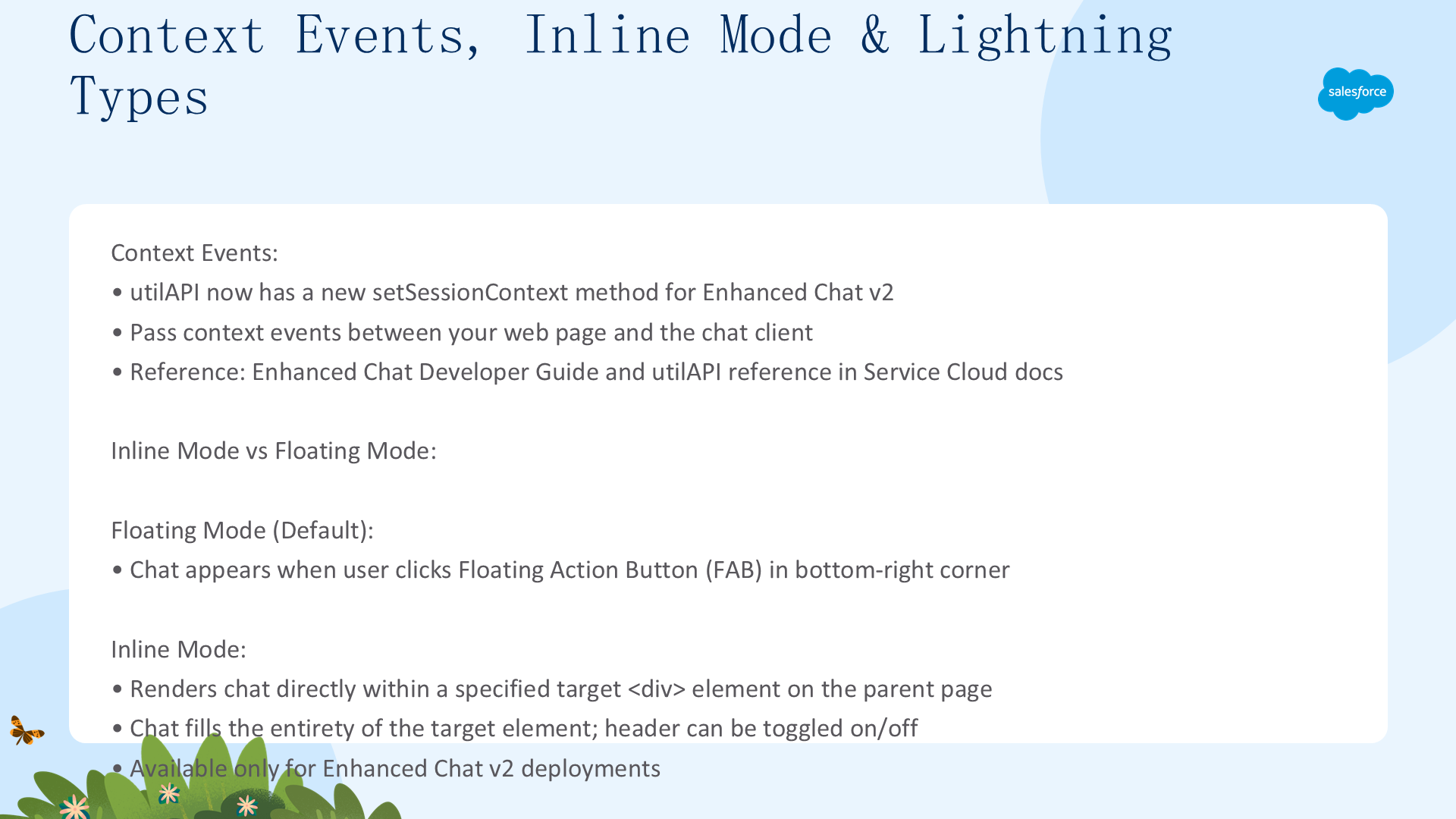
- Context Events(上下文事件):ECv2 通过
utilAPI.setSessionContext方法传递上下文事件。参见 Enhanced Chat Developer Guide 和 utilAPI 参考 - Inline Mode(内嵌模式):将聊天客户端直接嵌入到网页的指定
<div>元素中。Inline 模式填充整个目标元素,可选关闭聊天头部 - Custom Lightning Types:使用自定义 LWC 个性化聊天部署的外观。通过 Custom Lightning Type APIs 代表用户发送消息或传递上下文事件
上下文事件、Inline 模式与 Lightning Types
两种显示模式
- Floating(默认):用户点击右下角 Floating Action Button (FAB) 时出现的浮动聊天窗口
- Inline:仅在 ECv2 部署中可用。将聊天界面直接渲染到指定目标
<div>元素内,无缝融入网站布局
启用 Inline 模式(完整配置)
- Setup → Quick Find →
Embedded Service Deployments→ 选择部署 → Code Snippet - 将代码片段添加到托管聊天客户端的网页
- 配置 displayMode 和可选的 header:
embeddedservice_bootstrap.settings.displayMode = 'inline';
embeddedservice_bootstrap.settings.headerEnabled = false; // 可选,关闭聊天头部

// 指定目标元素
const myElement = document.querySelector('.chat-container');
embeddedservice_bootstrap.settings.targetElement = myElement;
其他 ECv2 代码片段设置参见 settings API 参考。
配置排错
ECv2 会验证 displayMode 和 targetElement 配置,配置不正确时在浏览器控制台输出警告:
| 警告 | 原因 | 解决方案 |
|---|---|---|
displayMode is set to "inline" but targetElement is using the default (document.body) | Inline 模式未指定自定义容器 | 使用上述代码指定 targetElement |
targetElement is set to a custom element but displayMode is not set to "inline" | Floating 模式下指定了自定义容器 | 方案 A:设置 displayMode='inline' 完全嵌入;方案 B:移除 targetElement 使用默认浮动位置 |
Custom Connections
Custom Connections 通过 Agent API 将外部 Web 客户端连接到 Agentforce Agent。你定义基于元数据的连接,告诉 Agent 你的客户端支持哪些结构化响应格式,Agent 返回符合这些 Schema 的 JSON,让客户端渲染 Carousel、Cards、Forms、Pickers 等原生 UI 组件。
使用场景判断
| 场景 | 推荐方案 |
|---|---|
| 在自己的基础设施中托管聊天体验(非 Salesforce 管理的界面) | Custom Connection |
| 将 Agent 响应渲染为原生 UI 组件(Carousel/Cards/Forms/Pickers) | Custom Connection |
| 完全控制客户端体验,同时使用 Agentforce 的推理、子代理选择和动作执行 | Custom Connection |
| 标准的开箱即用 Web 聊天渠道 | Enhanced Chat v2 |
Custom Connections 工作原理
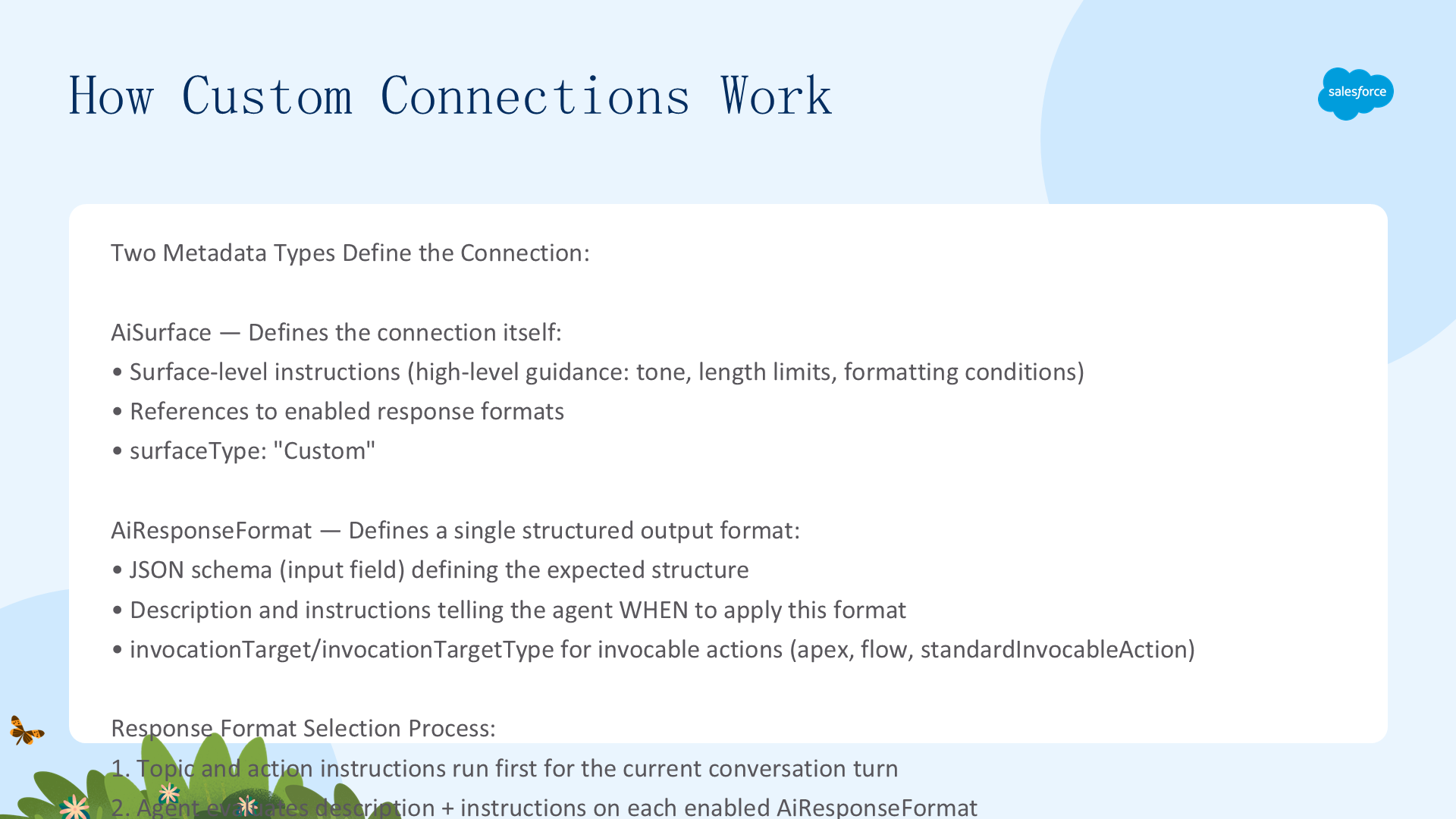
一个 Custom Connection 由两个元数据类型定义,部署到你的 Org:
AiSurface— 定义连接本身:表层指令 + 可用的响应格式集合AiResponseFormat— 定义单个结构化输出格式:JSON Schema + 描述 + 指令,Agent 根据描述和指令决定何时使用该格式,然后将响应映射到 Schema
通过 Agent 的 GenAiPlannerBundle 的 plannerSurfaces 条目关联。客户端通过 Agent API 启动会话时,在请求中传递 surfaceConfig 告诉 Agent 使用你的 Custom Connection。
响应格式选择流程(三步)
- Topic 和 Action 指令先运行。Agent 处理当前对话轮次的 Topic 和 Action 指令后,再评估响应格式
- 响应格式选择。Agent 评估每个启用的
AiResponseFormat的description和instructions,每轮最多选择一个格式——判断最适合当前响应的那个。AiSurface上的instructions提供额外的高层指导(如"对单一纯文本选择不使用格式化")。sortOrder值控制指令发送给 LLM 的顺序(数字越小越先发),影响但不强制优先级 - 回退。如果没有选中任何格式——或 Agent 在产生结构化输出时遇到错误——Agent 返回标准 Agent API 响应(unformatted text)。没有可见日志说明为什么没有选择某个响应格式
重要警告:所有响应格式的指令是非确定性的。Agent 使用自然语言指令选择 Schema,但没有严格强制执行。Agent 可能选错格式或产生不完全符合 input 字段中定义的 JSON Schema 的输出。始终在客户端解析时同时处理结构化响应和纯文本回退响应。
设置 Custom Connection
前提条件
- Agent API 已集成:客户端必须已集成 Agent API,能启动会话并接收响应。先按 Get Started with Agent API 设置,验证能收到基本文本响应后再继续
- External Client App (ECA):确保已创建 ECA 用于安全连接
- Metadata API v66.0+:检索和部署所需的最低版本
提示:如果客户端只需要标准非结构化文本响应,跳过元数据设置,直接跳到"使用 Custom Connection"部分。
三种元数据类型概览
| 元数据类型 | 用途 |
|---|---|
AiSurface | 定义连接配置:指令 + 响应格式引用 |
AiResponseFormat | 定义单个响应格式:JSON Schema + 选择条件指令 |
GenAiPlannerBundle | 通过 plannerSurfaces 条目关联连接与 Agent |
{surfaceId} 是唯一标识符,区分你的 Custom Connection 及其关联的响应格式。可选择自定义字母数字字符串(如 MyCustomSurface_01)或使用元数据导出时生成的 surfaceId。
元数据结构与目录布局
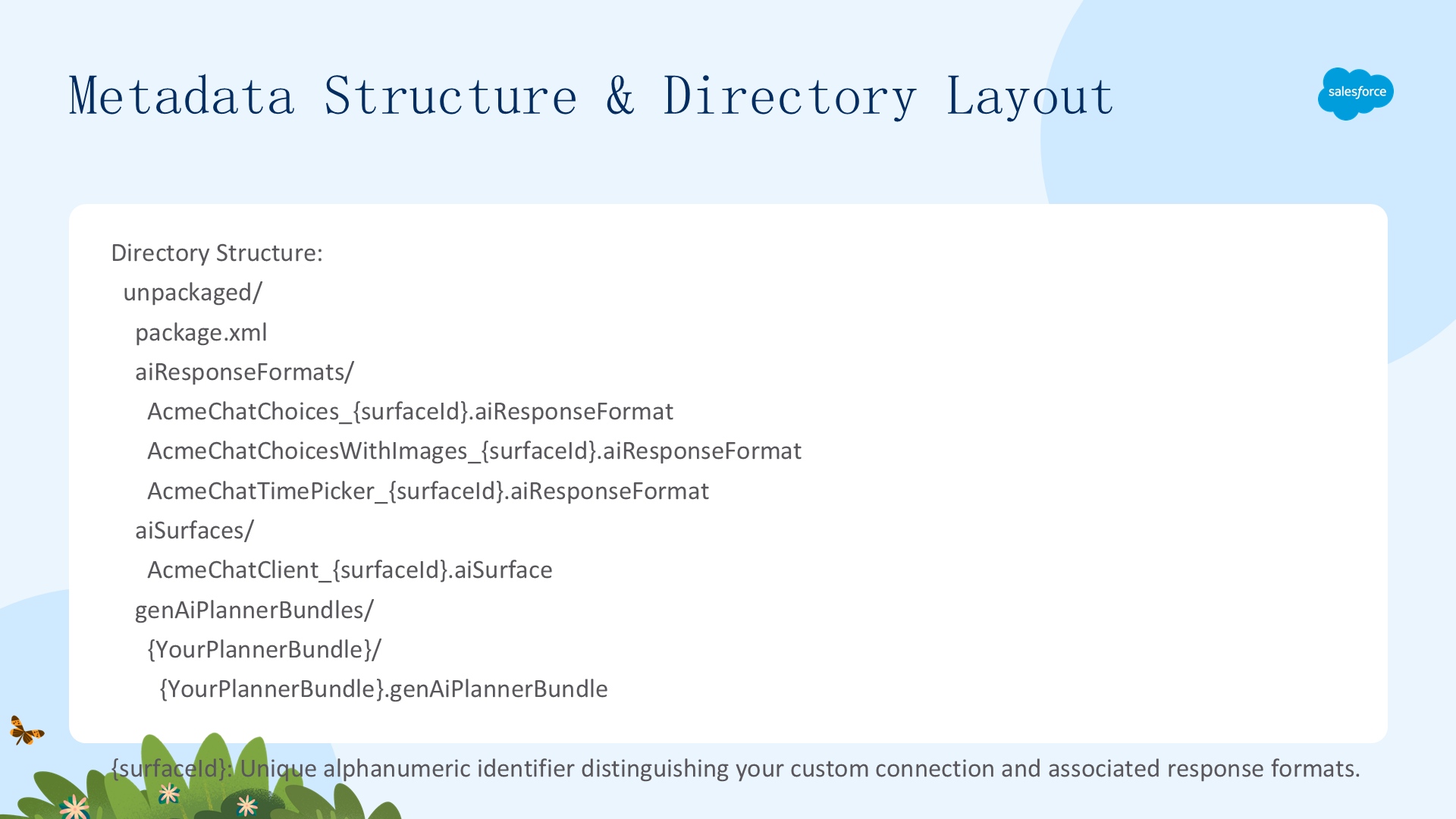
unpackaged/
├── package.xml
├── aiResponseFormats/
│   ├── AcmeChatChoices_{surfaceId}.aiResponseFormat
│   ├── AcmeChatChoicesWithImages_{surfaceId}.aiResponseFormat
│   └── AcmeChatTimePicker_{surfaceId}.aiResponseFormat
├── aiSurfaces/
│   └── AcmeChatClient_{surfaceId}.aiSurface
└── genAiPlannerBundles/
    └── {YourPlannerBundle}/
        └── {YourPlannerBundle}.genAiPlannerBundle
Step 1: package.xml
<?xml version="1.0" encoding="UTF-8"?>
<Package xmlns="http://soap.sforce.com/2006/04/metadata">
  <types><members>*</members><name>AiSurface</name></types>
  <types><members>*</members><name>AiResponseFormat</name></types>
  <types><members>*</members><name>GenAiPlannerBundle</name></types>
  <version>66.0</version>
</Package>
GenAiPlannerBundle 是可选的——仅在需要检索或部署使用该连接的 Agent 时才包括。
AiSurface 与 AiResponseFormat 完整参考
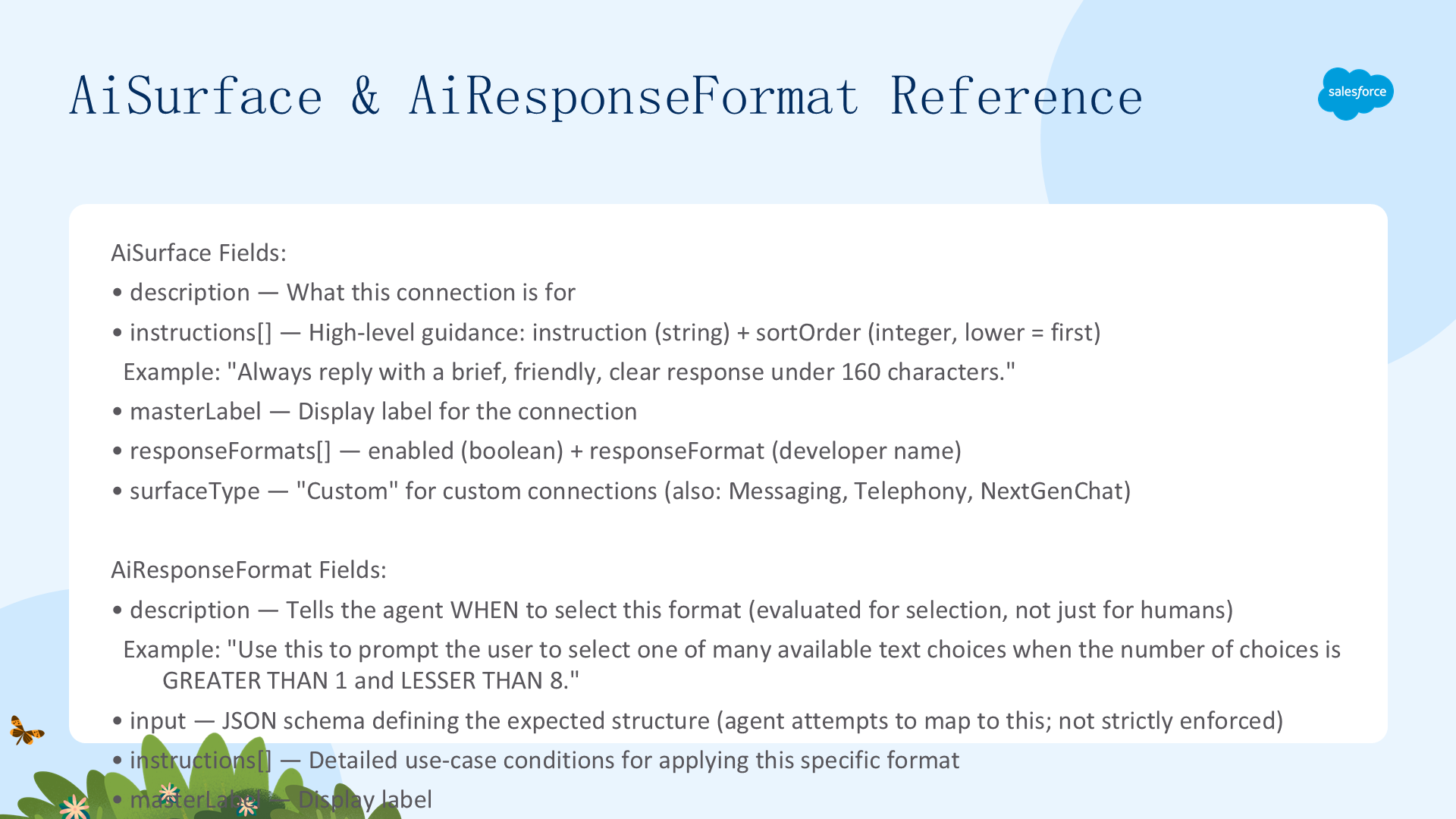
AiSurface 字段参考
| 字段 | 类型 | 说明 |
|---|---|---|
description | String | Custom Connection 的描述 |
instructions | instructions[] | 有序指令列表。每条含 instruction(String)和 sortOrder(Integer),sortOrder 控制发送给 LLM 的顺序 |
masterLabel | String | 连接的显示标签 |
responseFormats | AiResponseFormat[] | 关联的响应格式引用列表。每条含 enabled(Boolean)和 responseFormat(String,指向 Developer Name) |
surfaceType | String | 连接类型。Custom Connections 设为 Custom。其他值:Messaging / Telephony / NextGenChat |
instructions 的 Schema 在 AiSurface 和 AiResponseFormat 上相同,但适用层级不同:AiSurface 的 instructions 用于整个连接的通用指导(语调、长度限制、何时跳过格式化);AiResponseFormat 的 instructions 用于何时应用特定响应格式的详细条件。
Step 2: AiSurface 完整示例
<?xml version="1.0" encoding="UTF-8"?>
<AiSurface xmlns="http://soap.sforce.com/2006/04/metadata">
  <description>Custom AcmeChatClient surface.</description>
  <instructions>
    <instruction>Always reply with brief, friendly, clear response under 160 chars.</instruction>
    <sortOrder>1</sortOrder>
  </instructions>
  <instructions>
    <instruction>Do not use response formats where response contains more than 10 choices.</instruction>
    <sortOrder>2</sortOrder>
  </instructions>
  <instructions>
    <instruction>Do not use any AcmeChat* formatting for single text-only choice without images/URLs.</instruction>
    <sortOrder>3</sortOrder>
  </instructions>
  <masterLabel>AcmeChatClient</masterLabel>
  <responseFormats>
    <enabled>true</enabled>
    <responseFormat>AcmeChatChoices_{surfaceId}</responseFormat>
  </responseFormats>
  <responseFormats>
    <enabled>true</enabled>
    <responseFormat>AcmeChatChoicesWithImages_{surfaceId}</responseFormat>
  </responseFormats>
  <surfaceType>Custom</surfaceType>
</AiSurface>
AiResponseFormat 字段参考
| 字段 | 类型 | 说明 |
|---|---|---|
description | String | 最关键字段。告诉 Agent 何时选择此格式。Agent 根据此字段判断格式是否适用当前响应 |
input | String | JSON Schema —— 定义格式化响应的期望结构。Agent 尝试映射输出到此 Schema,但平台不强制严格遵循。客户端应验证响应 |
instructions | instructions[] | 有序指令,每条含 instruction(String)和 sortOrder(Integer)。详细描述何时应用此格式 |
invocationTarget | String | 可调用动作的引用。关联 invocationTargetType |
invocationTargetType | String | 可调用动作类型:apex / flow / standardInvocableAction |
masterLabel | String | 响应格式的显示标签 |
Step 4: GenAiPlannerBundle 关联
<?xml version="1.0" encoding="UTF-8"?>
<GenAiPlannerBundle xmlns="http://soap.sforce.com/2006/04/metadata">
  <description>Agent description</description>
  <plannerSurfaces>
    <callRecordingAllowed>false</callRecordingAllowed>
    <surface>AcmeChatClient_{surfaceId}</surface>
    <surfaceType>Custom</surfaceType>
  </plannerSurfaces>
</GenAiPlannerBundle>
使用、解析与测试 Custom Connections
部署(Step 5)
# 导航到 unpackaged/ 父目录
sf project deploy start --manifest unpackaged/package.xml
# 增量部署:先 AiResponseFormat → 后 AiSurface
# 更新:重新部署同名元数据即可覆盖
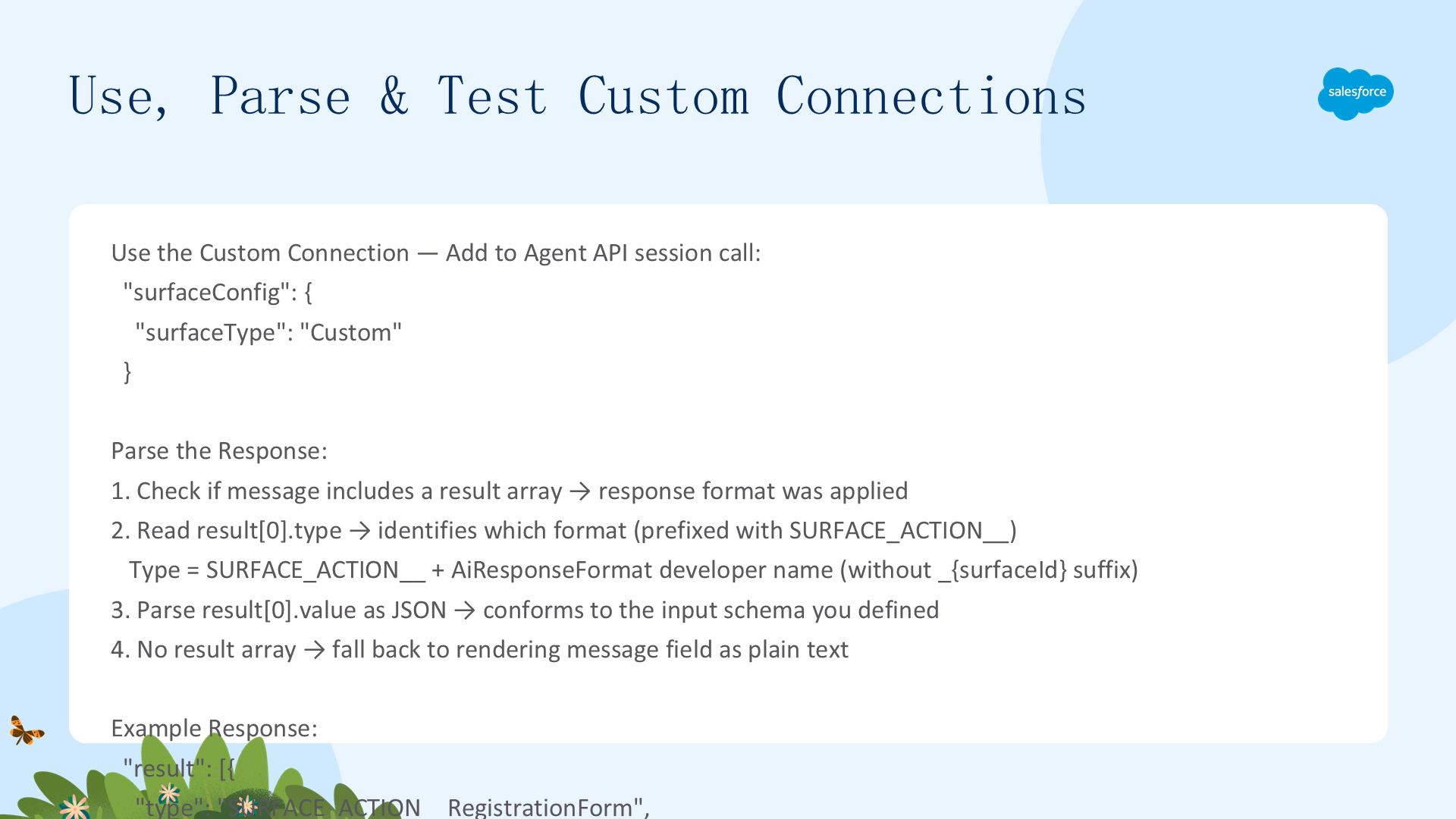
使用 Custom Connection
部署后,更新 Agent API 的 /sessions 调用 body:
"surfaceConfig": {
  "surfaceType": "Custom"
}
Agent 无法解析特定连接或响应格式时,返回标准 Agent API 纯文本响应。
解析响应(四步法)
Agent 应用响应格式后,API 响应的 message 中包含 result 数组:
{
  "messages": [{
    "type": "Inform",
    "message": "Text response reformatted...",
    "result": [{
      "property": "",
      "type": "SURFACE_ACTION__RegistrationForm",
      "value": "{\"title\":\"form\",\"message\":\"Please provide...\"}"
    }]
  }]
}- 检查是否有 result 数组。有 → 响应格式被应用;无 → 降级渲染 message 纯文本
- 读取
result[0].type。值为SURFACE_ACTION__+ AiResponseFormat Developer Name(不含_{surfaceId}后缀) - 解析
result[0].value为 JSON。解析后的对象符合 AiResponseFormat 上定义的inputSchema - 客户端验证。平台不验证 Agent 的结构化输出是否严格符合 Schema,始终在渲染前验证
result[0].value
注意:返回的 JSON 字符串在判断解析器逻辑时必须正确转义。
响应格式示例与设计提示
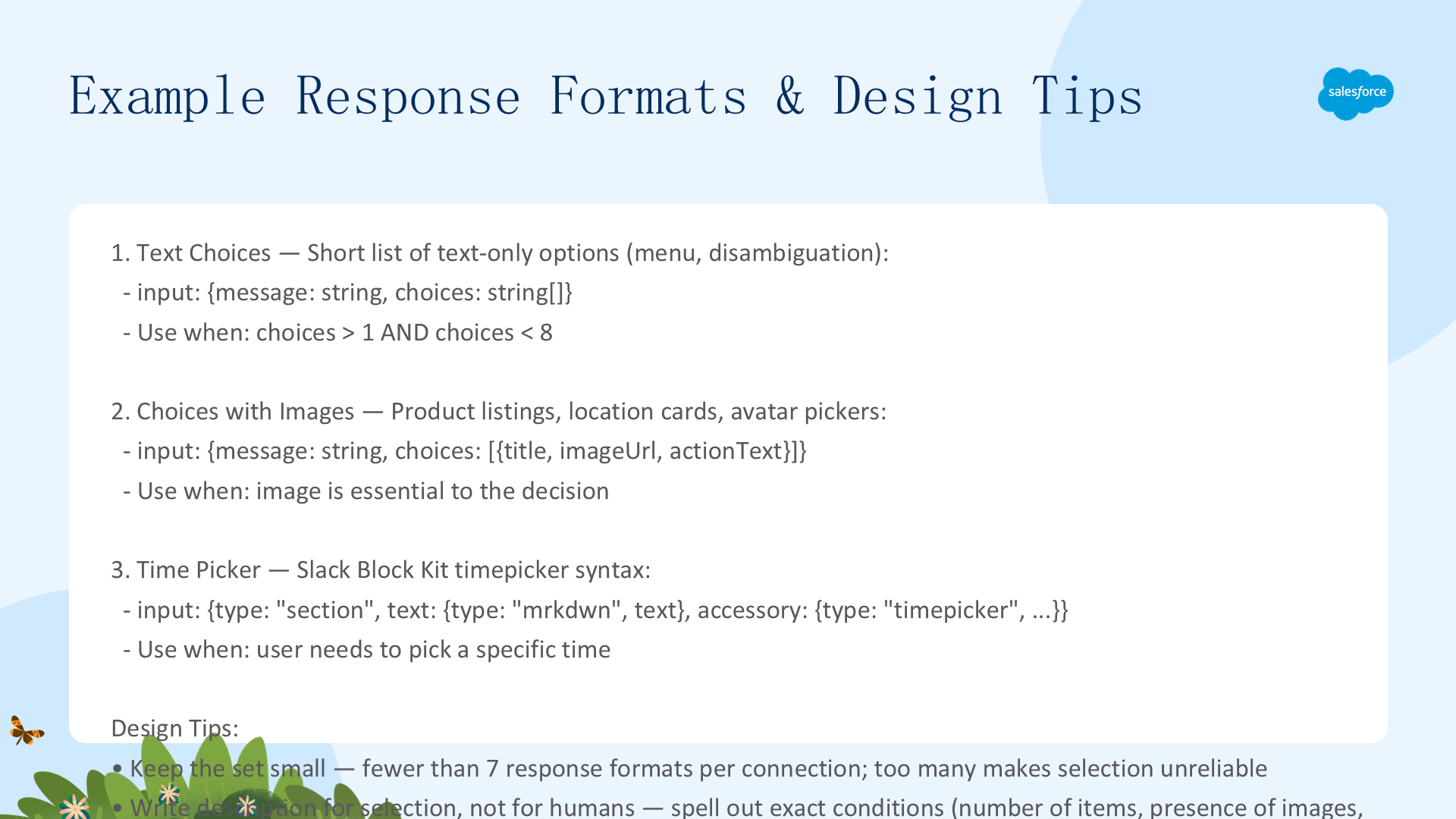
示例 1: Text Choices(文本选项)
适用于展示短文本选项列表(菜单/消歧提示)。条件:选项数量 > 1 且 < 8。
<AiResponseFormat xmlns="http://soap.sforce.com/2006/04/metadata">
  <description>Use this when choices are GREATER THAN 1 and LESS THAN 8.</description>
  <input>{"type":"object","properties":{"message":{"type":"string"},"choices":{"type":"array","items":{"type":"string"}}},"required":["message","choices"]}</input>
  <instructions>
    <instruction>Always use AcmeChatChoices for choice text responses with 1-8 choices.</instruction>
    <sortOrder>1</sortOrder>
  </instructions>
  <masterLabel>Acme Chat Choice Response</masterLabel>
</AiResponseFormat>
示例 2: Choices with Images(图片选项)
适用于用户从包含图片的集合中选择(产品列表/位置卡片/头像选择器)。
<input>{"type":"object","properties":{"message":{"type":"string"},"choices":{"type":"array","items":{"type":"object","properties":{"title":{"type":"string"},"imageUrl":{"type":"string"},"actionText":{"type":"string"}},"required":["title","imageUrl","actionText"]}}},"required":["message","choices"]}</input>示例 3: Time Picker(时间选择器 - Slack Block Kit 语法)
适用于需要用户选择特定时间的场景。Schema 遵循 Slack Block Kit timepicker 语法,包含 section block + timepicker accessory + initial_time + placeholder + action_id:
# 期望的 Agent 输出
{
  "type": "section",
  "text": {"type": "mrkdwn", "text": "Section block with a timepicker"},
  "accessory": {
    "type": "timepicker",
    "initial_time": "13:37",
    "placeholder": {"type": "plain_text", "text": "Choose a time", "emoji": true},
    "action_id": "meeting_time_picker"
  }
}
设计自己的响应格式(三条黄金法则)
- 保持格式集小。每个连接建议 < 7 个响应格式。太多格式让 Agent 难以可靠地选对
- description 写给 Agent 看,不是写给人类看。Agent 使用
description和instructions判断格式是否适用。用自然语言精确描述条件——项目数量、图片有无、数据形状等 - 用 LLM 生成 JSON Schema。向 LLM 提供客户端期望的输出结构,让它生成对应的 JSON Schema
排错速查表
| 问题 | 解决方案 |
|---|---|
| Invalid JSON Schema | 验证 AiResponseFormat 的 input 字段包含有效、正确转义的 JSON |
| Missing references | AiSurface 中引用的所有响应格式必须作为已部署的 AiResponseFormat 实体存在 |
| Metadata deployment errors | 增量部署时,先部署 AiResponseFormat,再部署 AiSurface |
| Surface type mismatch | 确保 AiSurface 中的 surfaceType 与 plannerSurfaces 条目中的 surfaceType 一致 |
| 响应未正确格式化 | 确认 Agent API session 调用 body 中包含 "surfaceConfig":{"surfaceType":"Custom"} |