创建 Actions:多种方法
Agentforce 支持四种创建自定义 Action 的方法,每种适用于不同的技术场景和开发偏好:
| 方法 | 技术基础 | 关键流程 |
|---|---|---|
| Apex REST Actions | @RestResource + HTTP 方法注解 | Vibes 生成 OpenAPI 3.0 → API Catalog → Agent Builder |
| AuraEnabled Controller | @AuraEnabled 注解的 Apex 方法 | Vibes 生成 OpenAPI → API Catalog → Agent Builder |
| Named Query API | 自定义 SOQL 查询 | Setup 创建命名查询 → API Catalog 激活 → Agent Creator |
| InvocableMethod | @InvocableMethod 注解 | Apex 类直接创建 → Agentforce Builder 使用 |
AuraEnabled Controller Actions 与限制
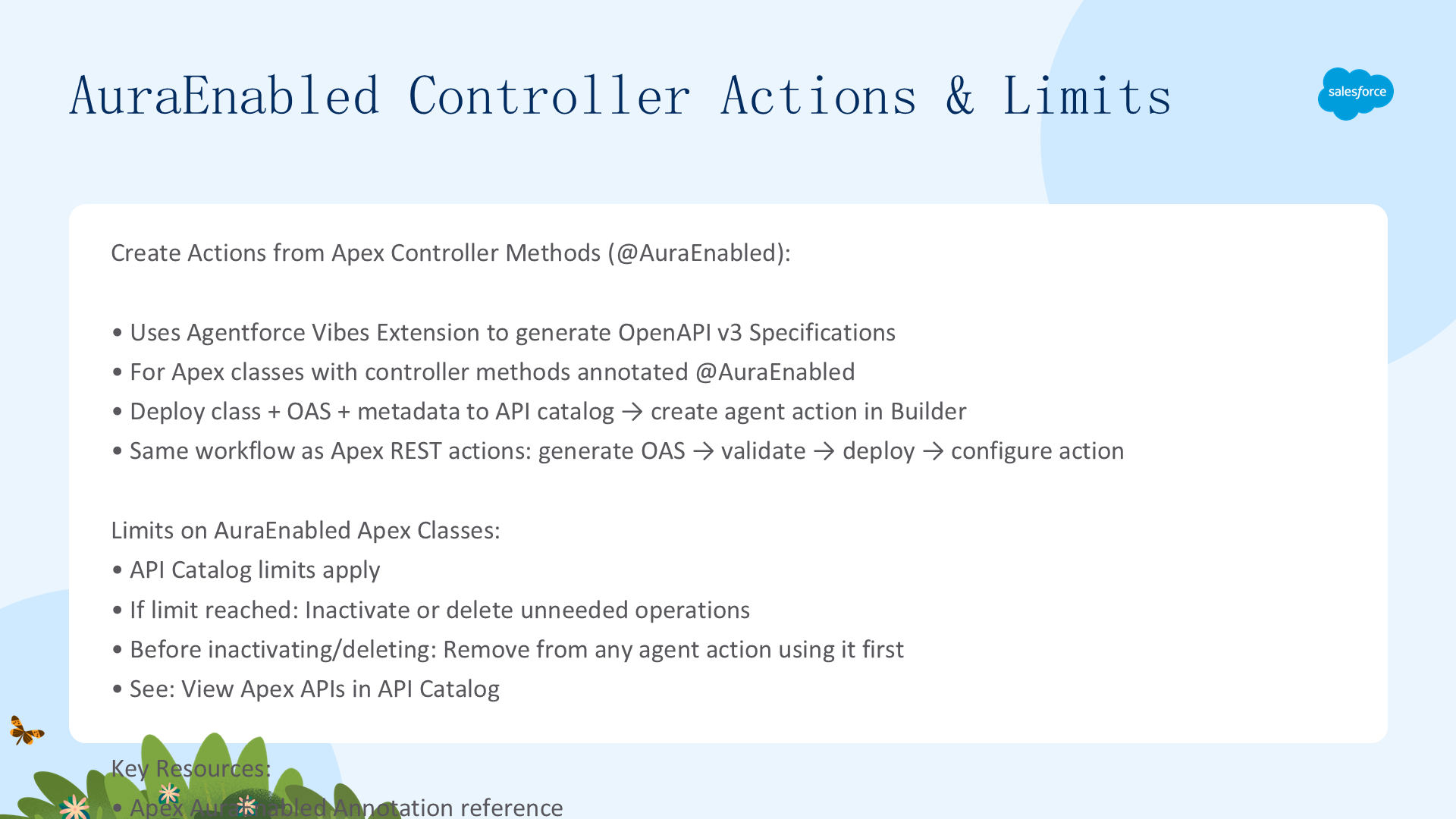
为 @AuraEnabled 注解的 Apex Controller 方法快速生成 OpenAPI 文档。与 Apex REST Actions 类似,使用 Agentforce Vibes Extension(基于 Salesforce 自有 AI 模型 CodeGen 和 xGen-Code)生成 OpenAPI v3 规范。
工作流:创建/检索 @AuraEnabled Apex 类 → SFDX: Create OpenAPI Document from this Class → 验证 YAML/XML → 部署到 Org → API Catalog 中查看 → Agent Builder 中创建 Action。
API Catalog 限制:达到活跃操作或对象数量上限时,停用或删除不需要的操作。重要:在停用/删除 AuraEnabled API Catalog 注册前,先从使用它的 Agent Action 中移除引用。参见 View Apex APIs in API Catalog。
Named Query API Actions
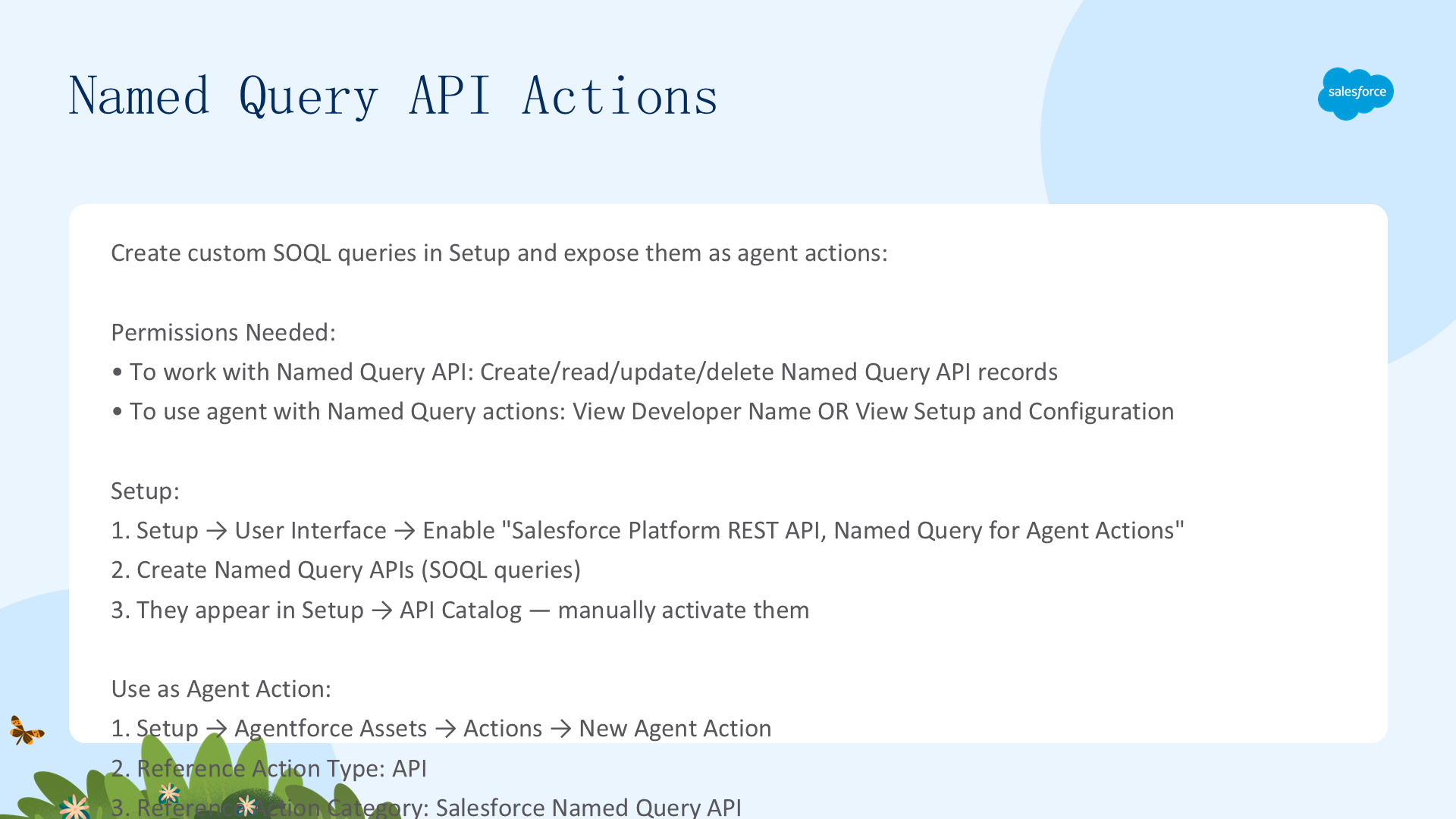
使用 Named Query API 创建自定义 SOQL 查询,然后在 Agent Creator 中暴露为 Agent Action。不需要编写 Apex 代码。
所需权限
- 创建/管理 Named Query API:Allows users to create, read, update and delete Named Query API records
- 使用基于 Named Query API 的 Agent Action:View Developer Name 或 View Setup and Configuration
- 执行命名查询的用户必须对查询的数据有读取权限
启用与使用步骤
- Setup → Quick Find →
User Interface→ 勾选 Enable Salesforce Platform REST API, Named Query for Agent Actions - 创建 Named Query API(参见 Named Query API)
- Setup → API Catalog → 手动激活 Named Query APIs
- Setup → Agentforce Assets → Actions → New Agent Action → Reference Action Type: API → Reference Action Category: Salesforce Named Query API → 选择动作
Apex Invocable Method Actions
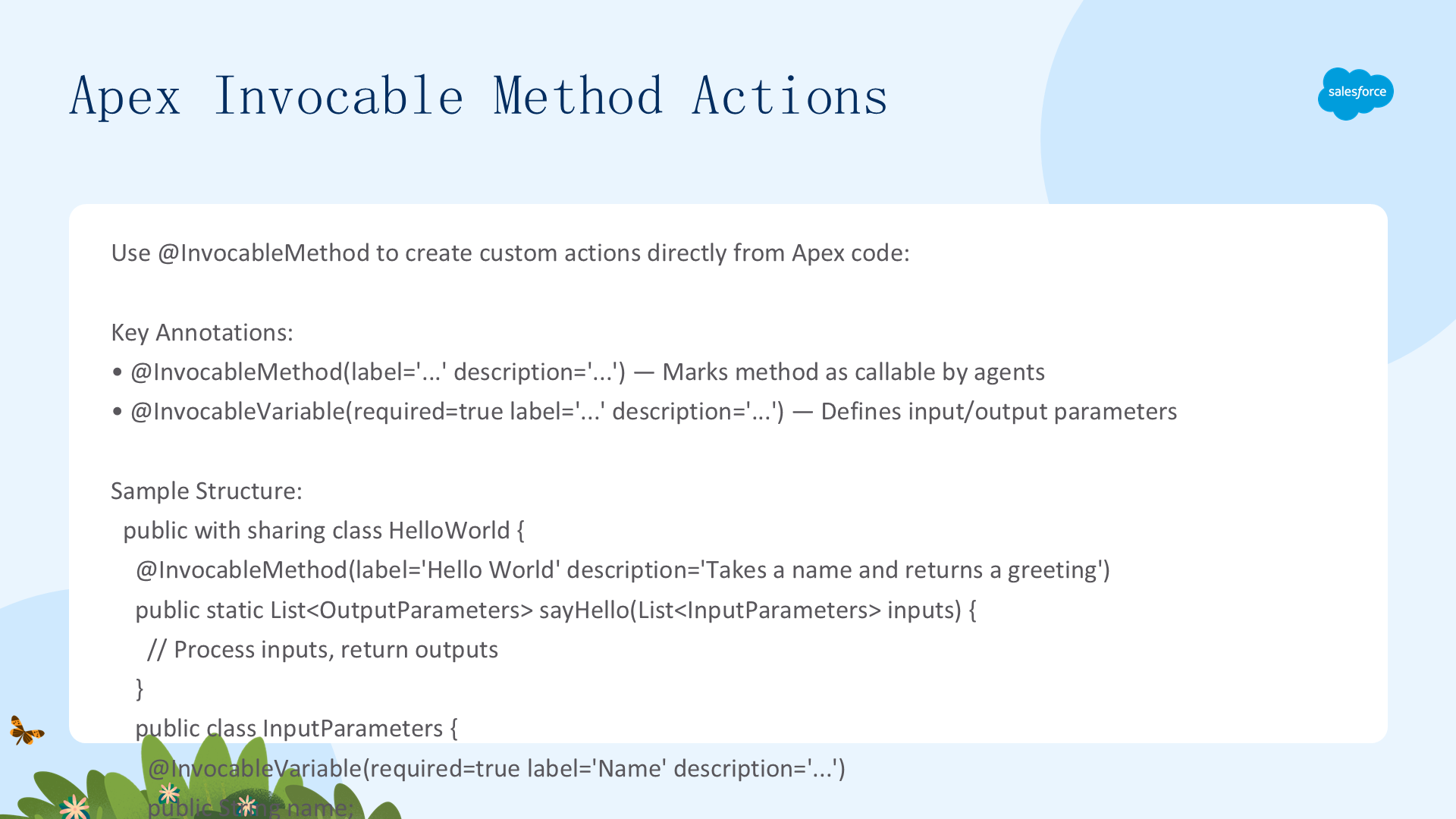
使用 @InvocableMethod 注解将 Apex 代码直接转变为 Agent Action。这是最直接的程序化方式——无需 OpenAPI 生成步骤。
public with sharing class HelloWorld {
    @InvocableMethod(label='Hello World' description='Takes a name and returns a greeting')
    public static List<OutputParameters> sayHello(List<InputParameters> inputs) {
        List<OutputParameters> outputs = new List<OutputParameters>();
        for (InputParameters input : inputs) {
            OutputParameters output = new OutputParameters();
            output.greeting = 'Hello, ' + input.name + '!';
            outputs.add(output);
        }
        return outputs;
    }
    public class InputParameters {
        @InvocableVariable(required=true label='Name' description='Name of person to greet')
        public String name;
    }
    public class OutputParameters {
        @InvocableVariable(label='Greeting' description='The greeting message')
        public String greeting;
    }
}关键注解:@InvocableMethod(标记入口方法,label 和 description 显示在 Agent Builder 中)、@InvocableVariable(定义输入/输出参数,required/label/description 控制 Agent 行为)。
参考资源:Build Custom Agent Actions Using Apex、Best Practices for Building Agentforce Apex Actions。
使用 Lightning Types 自定义 UI
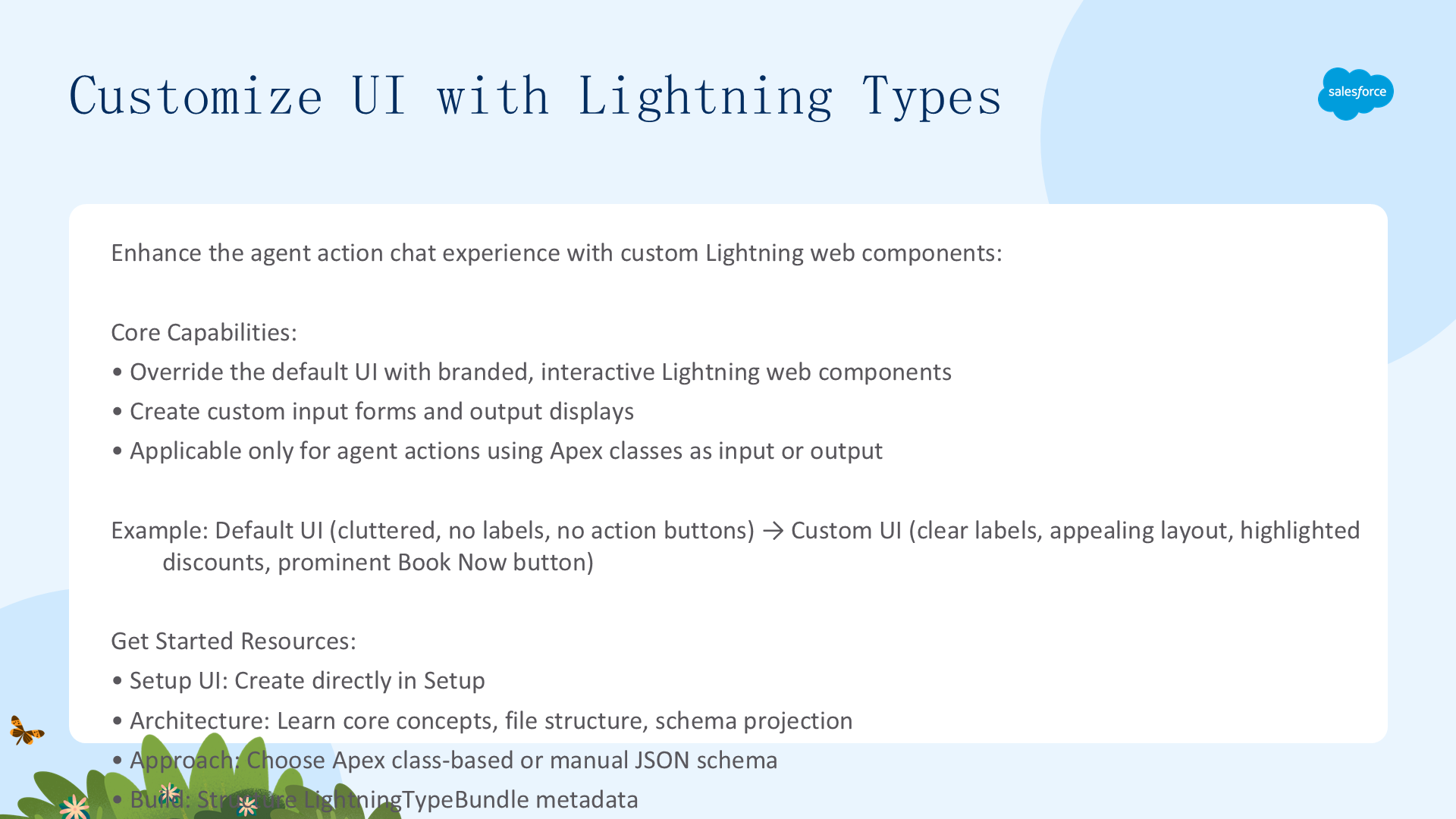
通过创建自定义 Lightning Types来增强聊天响应体验。用你自己的 Lightning Web Components 覆盖默认 UI,打造品牌化的交互式体验。仅适用于使用 Apex 类作为输入/输出的 Agent Actions。
默认 vs 自定义对比:默认 UI——无标签、布局杂乱、无预订按钮 → 自定义 UI——清晰标签、精美布局、高亮折扣、醒目的 Book Now 按钮。
Agent Actions 中的 Lightning Types
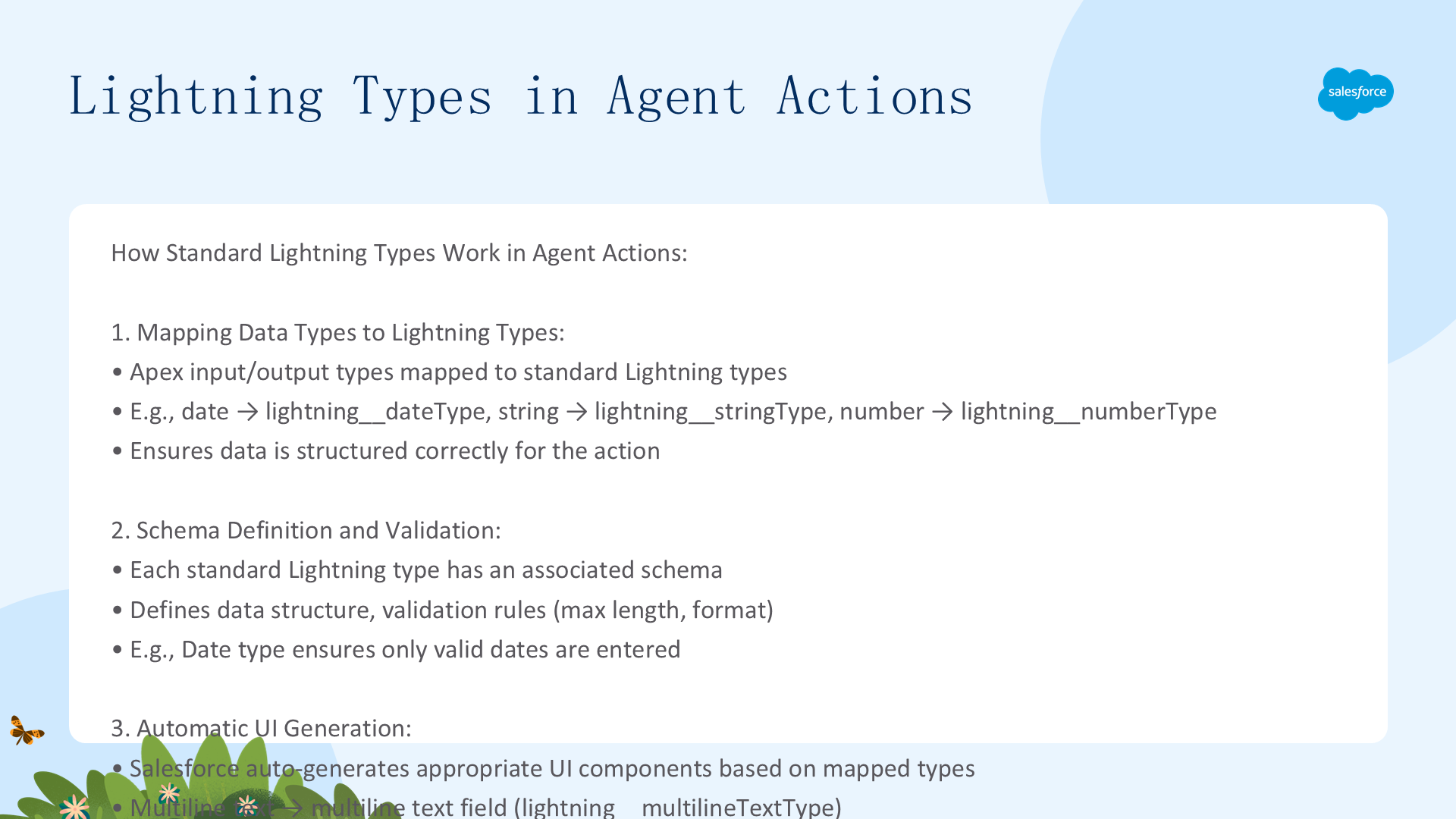
Agent Actions 使用标准 Lightning Types 来定义数据结构、验证和显示。当触发一个 Action 时,Salesforce 自动完成以下流程:
数据映射与 Schema 验证
- 数据类型映射:Apex 类的输入/输出自动映射到标准 Lightning Type(如 Date → lightning__dateType、String → lightning__stringType、Number → lightning__numberType)
- Schema 验证:每个标准 Lightning Type 有关联的 Schema(定义数据结构、最大长度、格式规则),确保输入数据符合预期类型和格式
自动 UI 生成
Salesforce 根据映射的 Lightning Type 自动生成对应 UI 组件:
- 多行文本 →
lightning__multilineTextType→ 多行文本输入框 - 日期字段 →
lightning__dateType→ 日期选择器 - 列表数据 →
lightning__listType→ 结构化列表/表格
集成自定义 Lightning Type
- 打开要编辑的 Agent Action
- 配置渲染——Input Rendering 选择自定义 Lightning Type(覆盖输入表单)或 Output Rendering 选择自定义 Lightning Type(覆盖输出显示)
- 保存 Agent Action
Lightning Types 学习资源
| 需求 | 推荐资源 |
|---|---|
| 在 Setup UI 中构建 | Create a Custom Lightning Type |
| 理解架构 | Core Concepts of Custom Lightning Types |
| 选择方法(Apex vs Manual JSON Schema) | Categories of Custom Lightning Types |
| 使用 AI 构建 | Use Agentforce Vibes to Build Custom Lightning Types |
| 部署管理(Metadata API/CLI) | LightningTypeBundle Metadata Type |
| 集成测试 | 在 Agent Builder 中配置 Input/Output Rendering 并验证 |