Global Copy:增强 Action 响应的可用性
Global Copy 为 Agentforce 响应中的 UI 组件提供统一的复制功能。之前复制能力有限,用户常需手动重新输入。现在用户一键即可将组件中的格式化信息复制到剪贴板,可粘贴到邮件、文档或其他系统中。
实现 Global Copy
前提条件:已有可被 Agentforce 访问的功能性 LWC(通过 Lightning Types)。
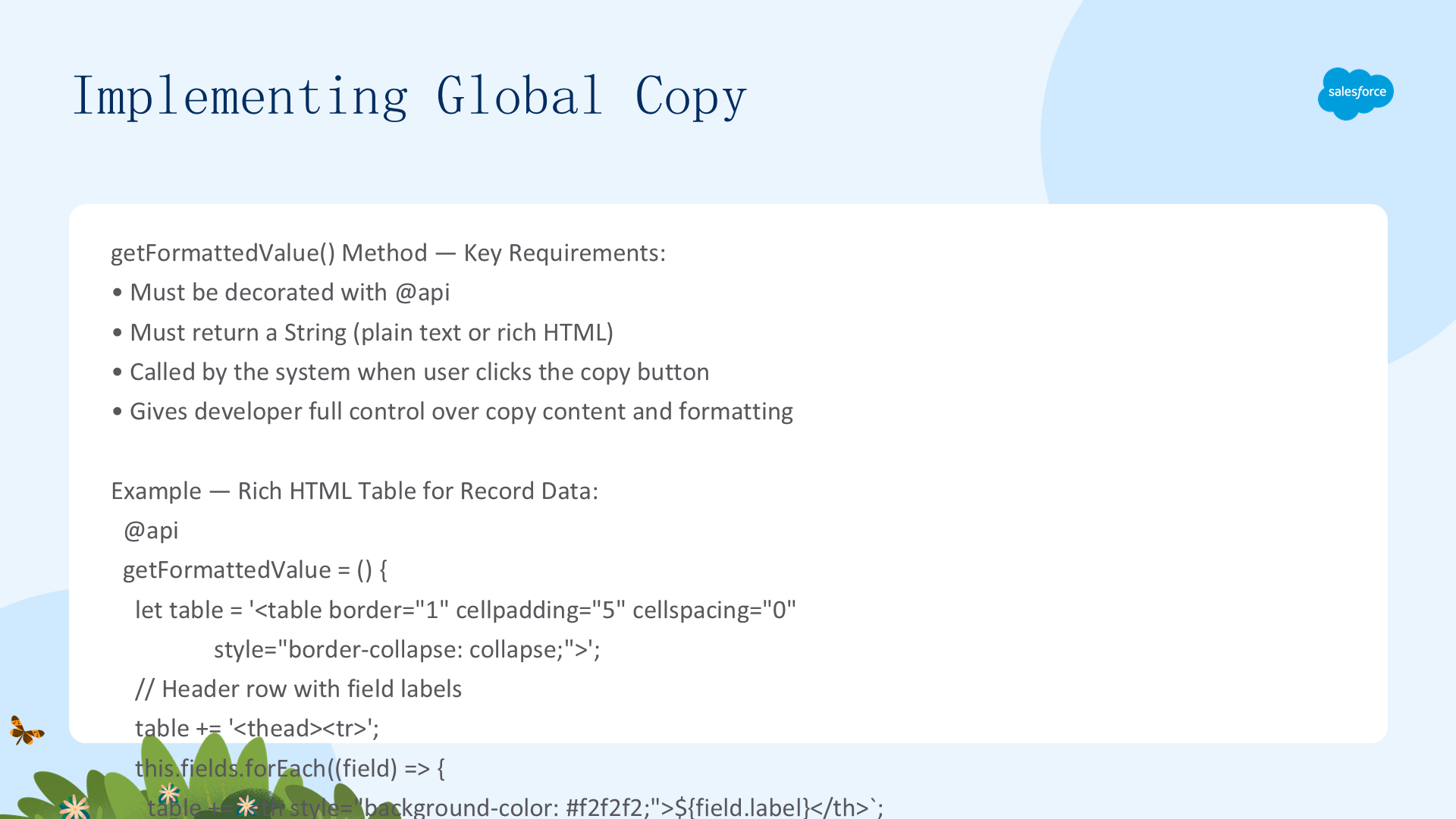
核心机制:在自定义 LWC 中实现一个公开的 getFormattedValue() 方法。用户点击复制按钮时,系统调用此方法获取剪贴板内容。方法必须用 @api 装饰,返回 String(纯文本或 Rich Text HTML)。
完整五步实现(生成 HTML 表格)
@api
getFormattedValue = () => {
// Step 1: 初始化 HTML 表格
let table = '';
// Step 2: 构建表头(遍历 this.fields 获取 field.label)
table += '';
this.fields.forEach((field) => {
table += `${field.label} `;
});
table += ' ';
// Step 3: 构建表体(遍历 this.records)
table += '';
this.records.forEach((record) => {
table += '';
// Step 4: 填充数据单元格(record.fields[field.apiName].value)
this.fields.forEach((field) => {
let cellValue = record.fields[field.apiName].value;
table += `${cellValue} `;
});
table += ' ';
});
table += '
';
// Step 5: 返回完整 HTML 字符串
return `${table}`;
}用户点击复制 → 方法运行 → 复制框架获得结构化 HTML 表格 → 粘贴到邮件/文档保留格式。
Apex Citations:用来源归属构建信任
Apex Citations 让开发者编程式为自定义 Action 添加引用来源。支持的知识来源包括:知识文章、PDF 数据、外部网页信息。引用可由 Employee Agent 和 Agent API 消费。
重要:平台生成的引用仅适用于 2025 年 5 月 26 日之后创建的 Agent。前提条件:已启用 Agentforce + Prompt Builder。
Citation 基础:两种方法
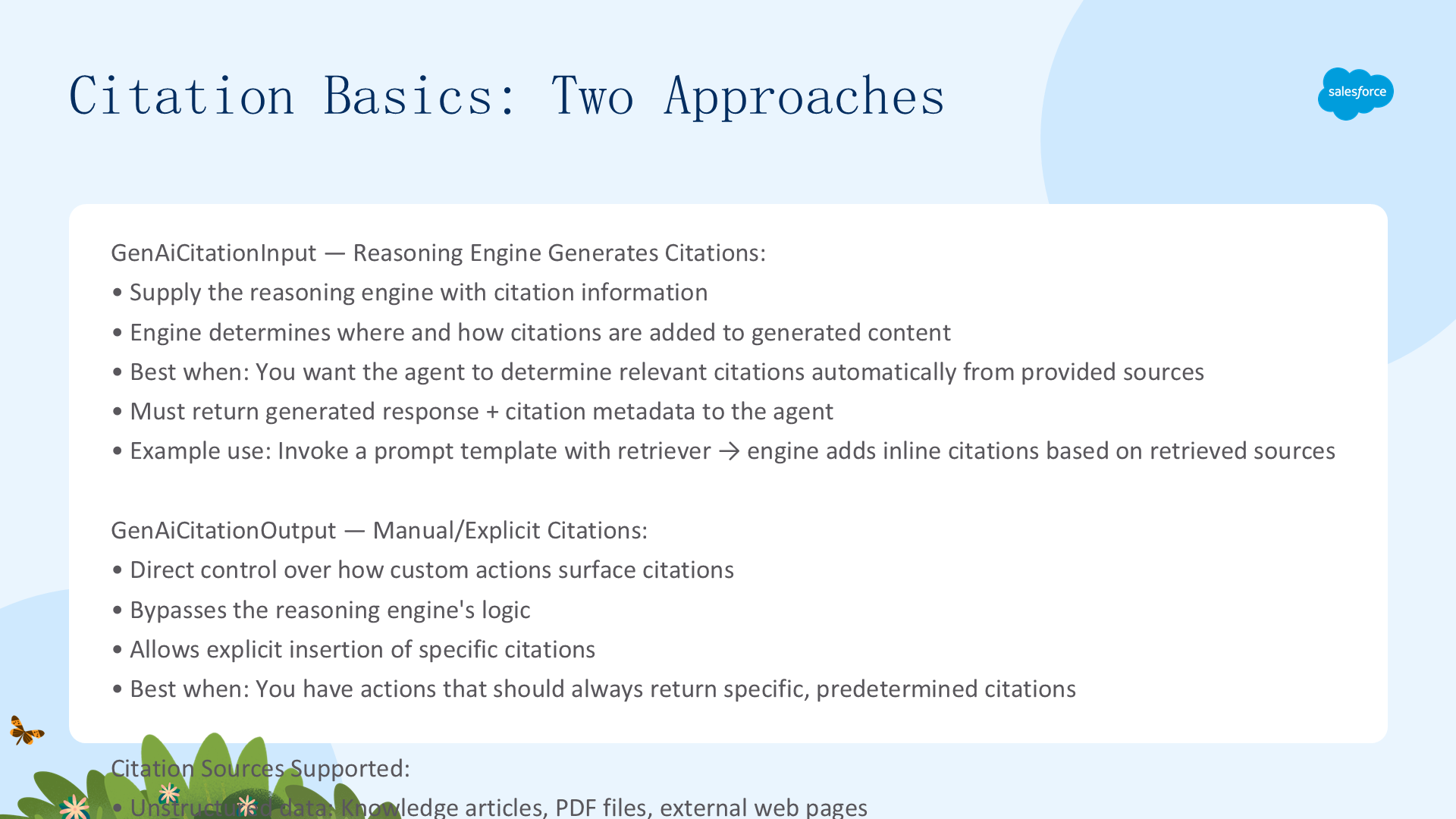
Apex Action 要返回引用,必须包含引用输入/输出类。两个核心类型:
| 类型 | 机制 | 适用场景 |
|---|---|---|
AiCopilot.GenAiCitationInput | 为推理引擎提供引用信息 → 引擎自动判断在生成的文本中何处和如何添加引用 | 基于提供的来源生成文本,自动确定相关引用 |
AiCopilot.GenAiCitationOutput | 绕过推理引擎逻辑 → 显式插入指定引用 | 基于预定逻辑生成文本和引用,始终返回特定引用 |
两种类型都支持在 label 字段自定义引用标签。确保最终用户有权访问引用的 URL 和标签内容。
示例:Inline Citations with RAG
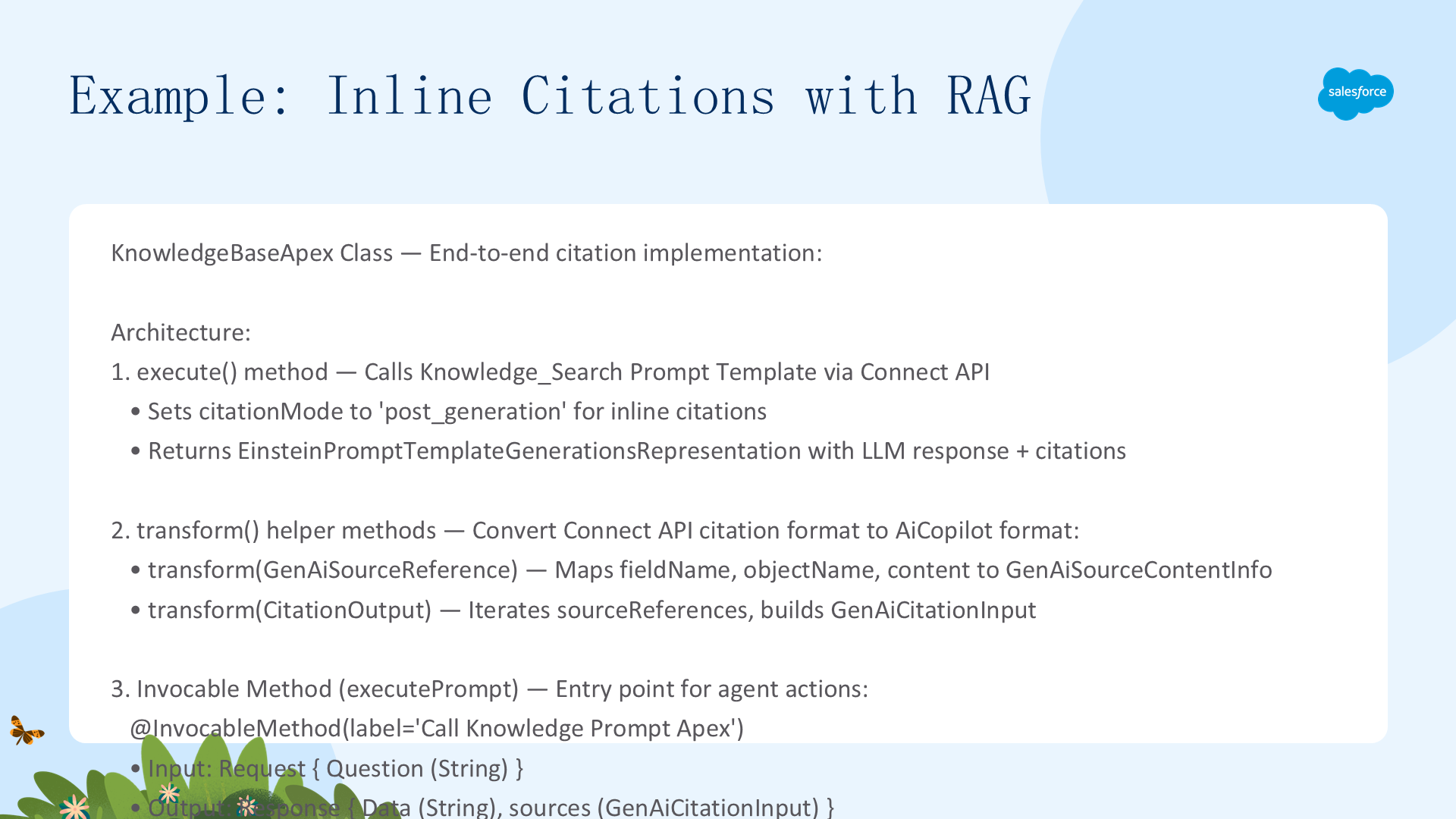
以下是完整的 KnowledgeBaseApex 类实现,演示如何通过 Connect API 调用 Prompt Template + Retriever,解析响应并返回 GenAiCitationInput 给推理引擎:
public class KnowledgeBaseApex {
    // 通过 Connect API 调用 'Knowledge_Search' Prompt Template
    public static ConnectApi.EinsteinPromptTemplateGenerationsRepresentation execute(String query) {
        ConnectApi.WrappedValue inputText = new ConnectApi.WrappedValue();
        inputText.value = query;
        Map inputParams = new Map();
        inputParams.put('Input:Question', inputText);  // 必须匹配 Prompt Template 输入变量 API 名称

        ConnectApi.EinsteinPromptTemplateGenerationsInput execInput = new ConnectApi.EinsteinPromptTemplateGenerationsInput();
        execInput.additionalConfig = new ConnectApi.EinsteinLlmAdditionalConfigInput();
        execInput.additionalConfig.applicationName = 'PromptBuilderPreview';
        execInput.isPreview = true;
        execInput.citationMode = 'post_generation';  // 关键:启用引用生成模式
        execInput.inputParams = inputParams;

        return ConnectApi.EinsteinLLM.generateMessagesForPromptTemplate('Knowledge_Search', execInput);
    }

    // 转换 Connect API 引用 → AiCopilot 格式
    public static AiCopilot.GenAiCitationInput transform(ConnectApi.EinsteinLlmGenerationCitationOutput citations) {
        List sourceRefs = new List();
        if (citations != null && citations.sourceReferences != null) {
            for (ConnectApi.EinsteinLlmGenAiSourceReference source : citations.sourceReferences) {
                sourceRefs.add(transform(source));  // 逐个转换 source reference
            }
        }
        return new AiCopilot.GenAiCitationInput(null, sourceRefs);
    }

    // @InvocableMethod 入口:接收问题 → 调用 Prompt Template → 转换引用 → 返回
    @InvocableMethod(label='Call Knowledge Prompt Apex' description='Invokes Knowledge Search prompt template with citations')
    public static List executePrompt(List requests) {
        String question = requests[0].Question;
        ConnectApi.EinsteinPromptTemplateGenerationsRepresentation output = execute(question);
        Response response = new Response();
        response.Data = output.prompt;           // LLM 生成的文本
        response.sources = transform(output.citations);  // 转换后的引用
        return new List{ response };
    }
}
关键技术点:
- citationMode = 'post_generation':告诉 Prompt Template 在文本生成之后处理引用
- 格式转换:Connect API 返回的
EinsteinLlmGenerationCitationOutput→ 逐个GenAiSourceReference(含 contents + metadata 含 link/sourceObjectRecordId)→ 最终GenAiCitationInput - Input:Question:必须与 Prompt Template 中定义的输入变量 API 名称完全匹配
- Response 结构:Data(LLM 文本)+ sources(GenAiCitationInput)
完整参考:Citations Apex Reference、Build Trust in AI Responses with Citations。